
Hand Of God AI Video: Golden Hands Lift You Into the Sky
One photo and one tap make you the star of a Hand Of God AI Video — no prompt, no editing, no studio.
- One Photo, One Tap
- Your Face, Still Yours
- Gold Hands, White Robes
- Ten Seconds, Send It
The Hands Are Already Reaching for You
That glow you just watched can be yours — one photo from your camera roll, one tap, and the gold comes looking for you.
You know the clip. A girl on a rooftop at golden hour, the sea flat behind her, and then the sky opens — two hands the size of hotels push through the light, close around hers, and lift. One flash, and she is standing in white with the coastline smeared blue a mile below. You watched it twice, and something in your chest said: I want that. Here is the good news: the whole thing starts with a photo you already own.
Your Hand Of God AI Video starts exactly where you already are: in your camera roll. Pick the photo where you are looking into the lens, soft light across your face, nobody else in the frame. Drop it on the upload button and tap Lift Me Into Heaven. The hands rise through the gold and find yours. Your heels leave the ground, your jacket dissolves into robes that snap and billow, and the promenade, the striped umbrellas and the little waves shrink to specks under your feet. Your eyes stay your eyes. Your smile stays your smile. Everything else turns to sky.
Ten seconds, one unbroken climb, and the camera never lets go of your face. You pass the last of the clouds into a gold that feels like a doorway on a summer evening, and the figures in white turn as you arrive. That is how the clip ends: somebody asking how you filmed it, and you get to say you uploaded a photo and pressed a button. So whose face goes into the gold first — yours, or the person you already opened a chat to send it to? Pick the photo and tap Lift Me Into Heaven. The hands are already reaching.
Your First Lift in Three Moves
That clip you just watched — stranger on a promenade, gold hands, white robes — has been looping in your head all afternoon. Here is the whole trick: one photo from your camera roll, one tap, and the hands come for your face instead.
- 1
Hand Over the Photo Already on Your Phone
Open your camera roll and pick the shot where you are looking straight into the lens, whole head in frame, soft light across your face. Drop it on the upload button. That is the entire setup — no prompt to write, no style to pick, no editing app to learn. The file hops up in a few seconds, and the only decision left is which smile you like best.
- 2
Tap Once and Watch the Gold Come for You
Press Lift Me Into Heaven and keep your eyes on the frame. The light over the water thickens to honey, two hands bigger than a house push through it, your heels leave the promenade, a white-gold flash turns your hoodie into robes snapping in the wind, and every striped umbrella below shrinks to a speck. One tap, one unbroken ten-second shot — nothing to trim or fix afterward.
- 3
Catch It and Send It Back Before They Finish Typing
It lands: ten seconds, vertical, clean to the edges. It drops straight into TikTok, Reels or your Story with nothing to crop, and straight back into the chat where that clip came from. Your Hand Of God AI Video does the bragging — all you did was hand over one photo. So which one from your roll goes in first?
Photos That Make Your Hand Of God AI Video Look Like a Film Still
- Soft, even light — a window, a doorway, open shade. Both eyes lit and no hard shadow across your face, because the camera holds on you for the final beat.
- Chest up, whole head in frame, a sliver of air above your hair. That headroom is exactly where the giant hands reach in, so nothing clips you as you lift.
- Stand at eye level against something plain — a wall, a curtain, open sky. The coast and clouds replace whatever is behind you, and a simple shape at your shoulders gives the gold a clean edge to hold.
- Choose the face you make when someone says your name. The camera stays on you while the choir swells, and a stiff grin stays stiff the whole way up.
- Send the original at full size, not a screenshot of it. One recent photo of you alone gives the hands a sharp face to hold. Which one are you sending?
Photos That Send You Straight Back to the Upload Button
- Group shots and wedding crowds. With two faces in the frame, the hands have to guess who they are reaching for, and the wrong person goes up.
- Harsh midday sun, deep shadow, heavy filters. The flash turns clothes white, but it cannot rescue a face that is half in the dark.
- Sunglasses, a hand on your cheek, hair over one eye, a profile turned from the lens. The last beat is a close hold on your face, and it needs both eyes.
- Tiny, blurry, far-away photos, or a screenshot of a screenshot. A face a few pixels wide comes back looking nothing like you.
- A beauty filter that has already smoothed your skin — your Hand Of God AI Video copies the face you send, so send the one that still looks like you.
Four Beats, and the Gold Never Lets Go of You
You know how it ends: you in white, the coast tiny beneath you. Here is what your Hand Of God AI Video does in between — and why one photo is all you have to hand over.
The Sea Pours Itself Into Two Hands
The late light over the water goes thick as honey, and two hands the size of buildings push up through it, gold running off their fingers. They close around yours and your heels leave the promenade before you have agreed to anything. First your arms, then your shoulders, then the railing sliding out of frame. Upload the photo where you look straight into the lens, tap Lift Me Into Heaven, and watch your own shoes lift — the first second your Hand Of God AI Video stops being someone else's clip.
A Flash, and the White Robes Find You
Halfway up, a white-gold bloom eats the whole frame and your jacket is simply gone. Robes take its place, folding and snapping in a wind you can almost feel against your arms. The camera never looks away from your face — same eyes, same hairline, same half-smile you gave the lens. That is the beat people rewind, and the reason one clear photo is all your Hand Of God AI Video needs.
The Promenade Drops Away in One Breath
No cut, no jump, no second angle — just one long climb while the striped umbrellas, the railing and the turquoise water fold smaller and smaller under your feet. Clouds slide past your shoulders, and the light shifts from beach-warm to a gold you could almost stand inside. Put your photo in, tap Lift Me Into Heaven, and the whole ascent builds itself around you.
Someone in White Turns Around
You arrive in a sky of soft gold where figures in white have been standing the whole time, and one of them turns as you rise. A choir rises warm behind you, the camera holds on your face, and it plays like the opening shot of a film about you. So whose photo goes up first — yours, or the friend who sent you that clip? Load it, tap Lift Me Into Heaven, and the gold does the rest.
Who Gets Your First Lift
The friend who dropped the clip in your chat
No caption, just the link, and they have been watching your typing bubble ever since. Find the photo where you are laughing with your head tipped back, upload it, tap Lift Me Into Heaven, and send it back before they ask whether you saw it. One flash later their joke returns with your face in the gold.
Your partner, half asleep by the coffee machine
The photo is already on your phone: squinting into the machine, hair flat on one side. Upload it, tap Lift Me Into Heaven, and by the time they reach their desk they are rising over the clouds in white robes. Let them wonder which beach you drove to.
Your mom, who says the trend is nonsense
She has rolled her eyes at the trend twice already. Pick last summer's garden photo, the one where she looks straight into the lens, upload it, and tap Lift Me Into Heaven. Ten seconds later she is climbing through gold while her hydrangeas sit a mile below. Send it to the family group.
Your dog, who has been extremely good
One clear shot of him sitting in the sun is all the hands need. Upload it, tap Lift Me Into Heaven, and his ears lift, his fur catches the gold, and white fabric snaps behind him. Then send it to the group chat that already holds forty photos of him.
The friend who is never in the pictures
You have ten years of their camera roll and about three photos of their actual face. Find the good one — the wedding, the rooftop, the blurry beach shot — upload it, and tap Lift Me Into Heaven. Ten seconds later they are the main character.
The cousin who zooms into every face
Give them one Hand Of God AI Video with their own face in the glow and then wait. They will pinch into the eyes, the hairline, the small scar above the eyebrow, and go completely quiet. That silence is the five-star review. Pick their sharpest photo.
Yourself, tonight, before you talk yourself out of it
There is one photo of you the light got exactly right, and you have never posted it. Upload it, tap Lift Me Into Heaven, and watch the ground drop away — robes, clouds, golden hands, the sea a blue smudge. Ten seconds, vertical, sitting in your downloads.
Four Skies, One Pair of Hands
Same lift, different light. The one-tap button below runs the Golden Coast look automatically. For a desert, storm or snow sky, copy a recipe into AI Video Maker and bring the photo you already love.
Four Skies, One Pair of Hands
Same lift, different light. The one-tap button below runs the Golden Coast look automatically. For a desert, storm or snow sky, copy a recipe into AI Video Maker and bring the photo you already love.
The One From the Clip
Hand Of God AI Video, 10-second 9:16 vertical cinematic clip using @Image1 as the identity reference. Keep the face, hair, skin tone and build identical to the photo. The person stands on a sunny seaside promenade in late afternoon; two colossal hands of warm gold rise out of the water and close around their hands, a white-gold flash turns their clothes into flowing white robes, and they ascend above the turquoise coast into glowing clouds where a crowd in white waits. One continuous rising camera, wind in fabric and hair. No text, logos or watermarks.
This is the exact look you clicked on. The one-tap button below runs it for you.
Gold Out of the Dunes
10-second 9:16 vertical cinematic clip using @Image1 as the identity reference. Setting: red desert dunes at dusk, the sky apricot and violet, long shadows across the sand. Two enormous hands of molten gold push up through the dunes and lift the person by the hands; a warm flash turns their outfit into white linen that snaps in the wind, and they rise past the last light into a deep gold sky where the first stars appear. Keep the face, hair and build exactly as in the photo. One unbroken upward camera. No text or watermarks.
Warm evening light in your photo makes the sand glow harder. Copy this recipe into AI Video Maker for this sky.
Rain First, Then Heaven
Hand Of God AI Video, 10-second 9:16 vertical cinematic clip using @Image1 as the identity reference. Setting: a city rooftop in heavy rain at night, storm clouds stacked over the skyline, wet concrete shining. Two giant hands of glowing gold break through the cloud base and take the person's hands; lightning flares, their clothes bleach to white, and they are pulled through the storm into a calm golden sky. Rain, wind, god rays, a slow heroic rise. Keep the face and hair recognizable throughout. No text, logos or watermarks.
Rain hides a busy background, so this one forgives almost anything. Copy it into AI Video Maker and add your photo.
Quiet, Cold, Lifted
10-second 9:16 vertical cinematic clip using @Image1 as the identity reference. Setting: a snowy shoreline at blue hour, pale light on the water, soft mist. Two huge hands of gentle gold rise out of the snow haze and take the person's hands; a quiet flash turns their clothes into white wool and linen, and they lift through falling snow into a warm gold sky above the clouds. Keep the face, hair and build identical. Slow, serene rise, one continuous shot. No text or watermarks.
A coat or scarf keeps the winter feel. Copy this recipe into AI Video Maker for this sky.
What One Lift Costs, Up Front
Here is the whole deal, with no fine print. One photo goes in, ten seconds of gold comes out, and every resolution below shows its exact credit price before you pick one. Choose 480p for the group chat, 720p for the grid, 1080p for the one you keep, and if the lift fails, every credit comes back.
Hand Of God AI Video vs. Faking It Yourself
| The Route | What You Need | What You Watch | Time to Your Clip |
|---|---|---|---|
| Drop one photo into the Hand Of God AI Video generator right here | One clear shot of you facing the camera, the one already sitting in your camera roll — and a credit price you can see before you spend a single credit. | Golden hands closing around yours, one white-gold flash, robes snapping in the wind, the turquoise coast shrinking to specks under your feet. | One upload, one quick render, and every credit comes back if the lift fails. |
| Filming it with a friend, a bedsheet and a fan | A windy rooftop, two people to hold the fabric, a power cord and forty takes. | A sheet slapping your face while someone laughs off camera, and nothing that reads as the real thing. | An afternoon, plus the drive home. |
| Building the gold by hand in an editor | Masking, gold overlays, keyframes, rotoscoping, sound design and a free weekend. | Something close, if you already cut video for a living, and still no golden hands closing around yours. | Hours you are not getting back. |
Hand Of God AI Video Questions, Answered
Lift My Photo Into HeavenDo you need a prompt to make a Hand Of God AI Video?
Not one word. The preset is already loaded, so you drop in one photo, pick your resolution and tap Lift Me Into Heaven. The hands, the flash, the white robes and the crowd above the clouds are staged for you — all that is left is choosing which smile goes up.
Which photo from your camera roll gives the cleanest lift?
The sharp one where you face the lens, both eyes open, head and shoulders filling the frame. Window light is plenty. Skip the group shot, the sunglasses and the screenshot of a screenshot.
Will the face in the clouds still look like you?
Yes, and that is the whole point. Your eyes, your hairline and that small smile carry through the flash and every second of the climb, so the person rising in white is unmistakably you. A clear, forward-facing shot is the difference.
How long is the finished clip?
Ten seconds, vertical, edge to edge on a phone. Upload takes a few seconds, the render keeps running if you leave the tab, and the finished file drops straight into TikTok, Reels or your Story with nothing to trim.
What does one lift cost you?
The credit count for 480p, 720p or 1080p sits in the price table and on the button once your photo is in, so you see the price before you commit. No subscription is needed, credits only leave your balance when the lift starts, and a failed lift returns every credit.
Can you lift your partner, your mom, or your dog?
That is the fun part. Upload their photo, tap Lift Me Into Heaven, and ten seconds later their face, or their fur, is in the gold above the clouds. One person or one pet per photo keeps the face clean.
Where do you post it once the gold settles?
Anywhere you like. Download the file and it is already vertical and ten seconds long, so it fills a phone screen with no extra app and no cropping.
You Already Know Whose Photo Goes First
It is the one you keep scrolling past: you in the sun, looking straight at the lens. Drop it in, tap Lift Me Into Heaven, and your Hand Of God AI Video does the rest, with gold hands, one flash, white robes and the coast falling away under your feet. You already know whose photo to try, so give it the tap it deserves.
Lift My Photo Into HeavenMore AI Video Effects
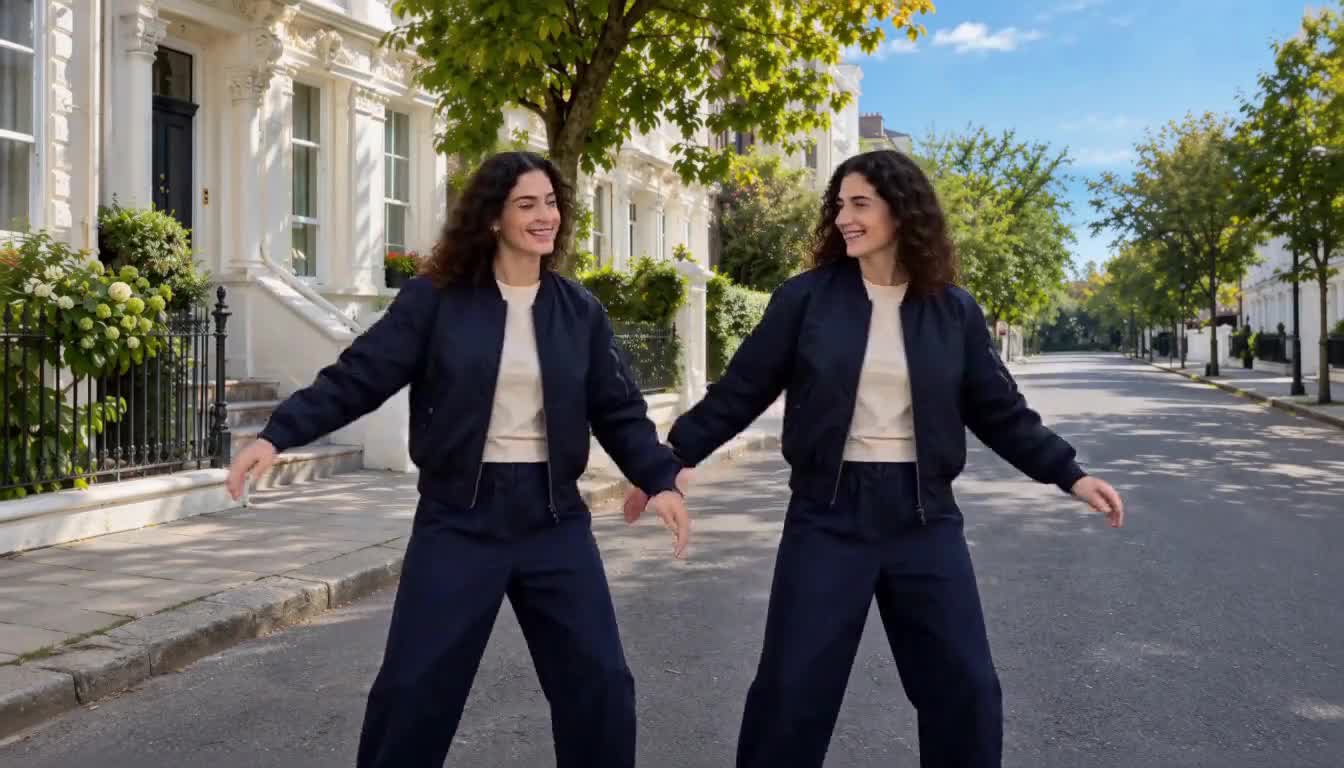
Magic Double Dance AI
Turn one solo portrait into a synchronized two-person dance.
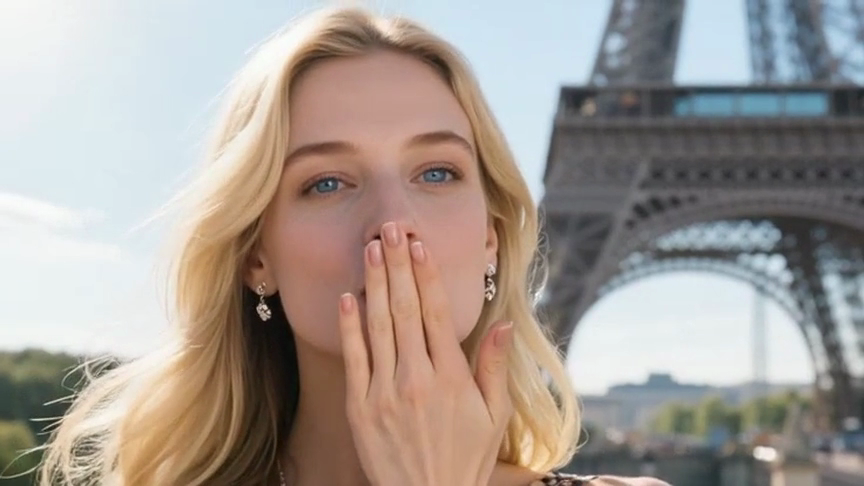
AI Air Kiss Video
Send a cinematic air kiss from a single portrait.
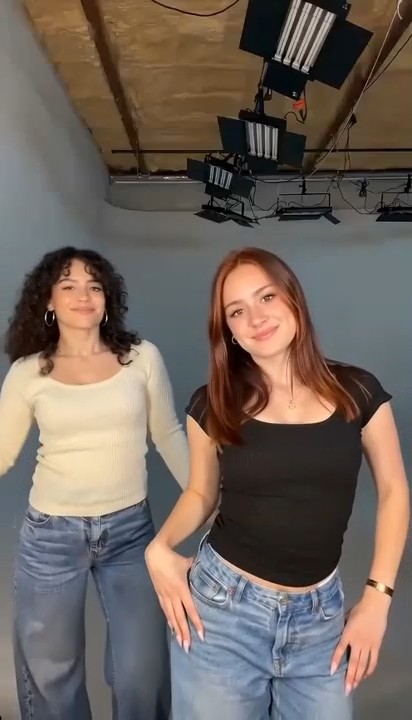
Christian Dior Dance Trend
Put a duo photo into the polished studio version of the trend.
Neon Duo Dance AI
Turn two photos into a neon-lit 15s synchronized dance video.