1 Photo
Start from any clear image
AI Camera Angle
Upload a photo, pick low angle, top-down, side view, or wide shot, and get a new perspective without reshooting.
Built for e-commerce listings, product mockups, creator posts, and fast design reviews.
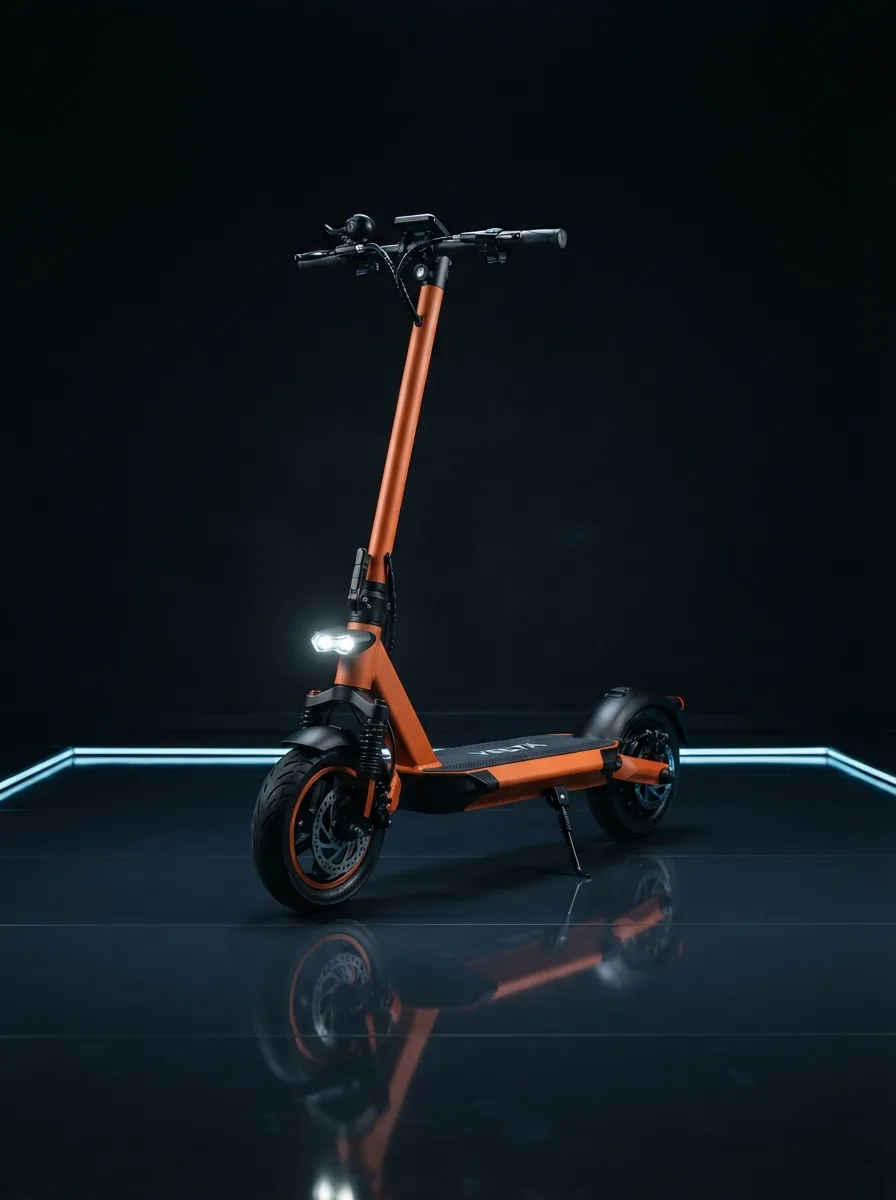 Source
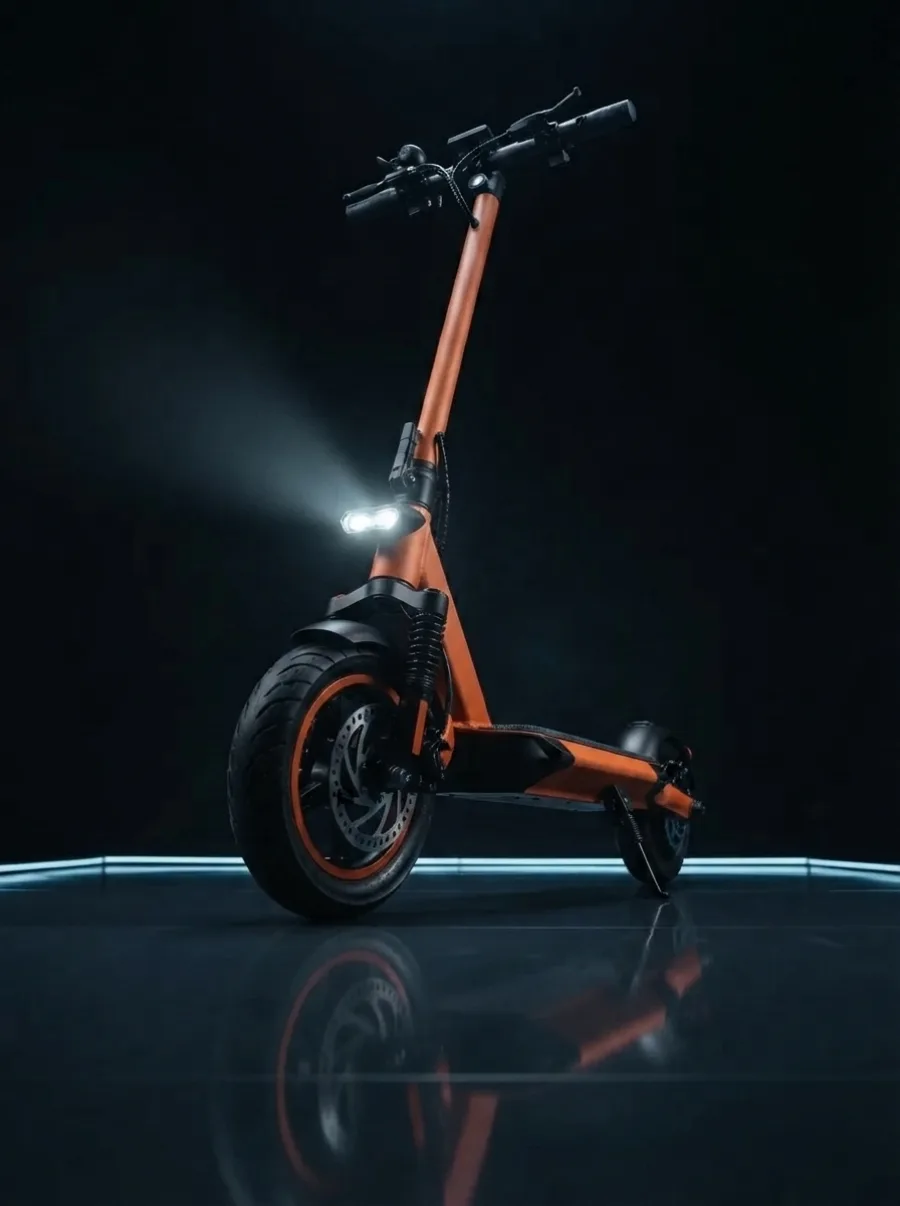 Low Angle
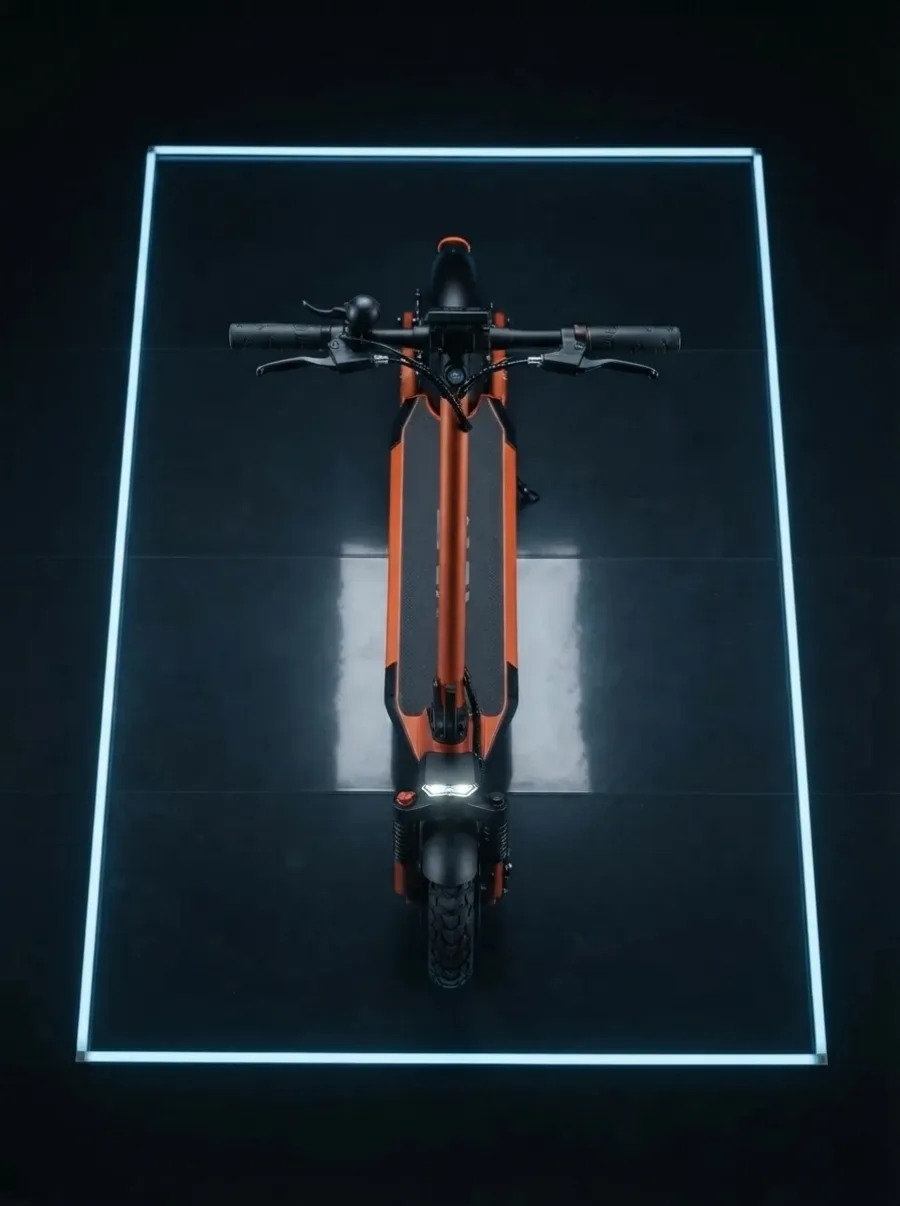 Top Down
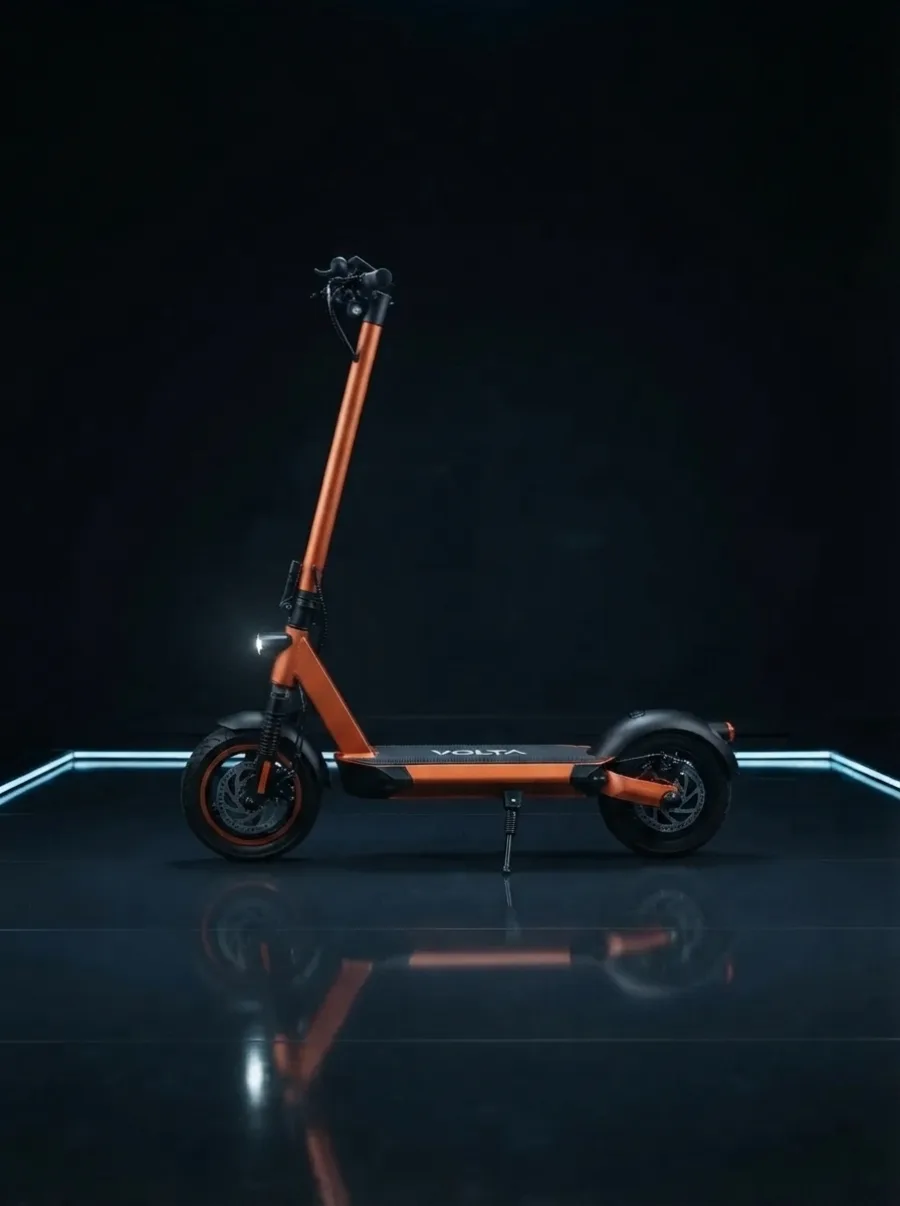 Side View
1 Photo
Start from any clear image
4 Presets
Low / Top / Side / Wide
No Reshoot
New view without studio time
Free Trial
Generate your first angles
Try it free
Upload one photo, pick a camera view, and generate a new perspective in seconds.
Drop a product photo, portrait, or object shot here. ·
Dramatic upward hero view.
Upload a photo or try the sample to unlock generate.
Same scooter, four camera views. Pick an angle, then try it with the demo photo.
What Is AI Camera Angle
AI camera angle is a photo perspective changer that starts from a reference image and generates a new viewpoint. Instead of cropping or warping the frame, it rebuilds how the subject would look from a different camera position.
Use it when the subject is right but the angle is wrong: product listings that need a side view, mockups that need a stronger low angle, interiors that need an overhead look, or portraits that need a fresh composition.
01
Push the camera lower for more presence on products, packaging, and character-led images.
02
Generate clean bird-eye layouts for catalogs, flat lays, and room-style presentations.
03
Rotate to a profile or three-quarter look when listings and decks need more shape detail.
04
Start from one approved photo when you need options fast, before booking another shoot.
How It Works
Upload the photo, pick the target view, then generate and compare the new perspective.
01
Use a clear product shot, portrait, object, or scene. Strong edges and lighting help the AI keep structure when the viewpoint changes.
Avoid heavy blur and cluttered backgrounds when you want cleaner angle results.
02
Select low angle, top-down, side view, or wide shot. Add optional notes if you want to preserve outfit, product shape, or lighting.
Start with a moderate angle first, then push toward more dramatic views.
03
Create the new perspective for listings, ads, mockups, storyboards, or creative reviews, then keep the strongest variants.
Compare the result next to the source so stakeholders can approve faster.
AI Camera Angle Features
A focused workflow for changing viewpoint when the subject already exists and only the camera needs to move.
01
One image in, new views out.
Turn an approved source photo into alternate camera angles without rebuilding the scene, booking a reshoot, or waiting on a full 3D pass.
02
Presets that map to real shots.
Use practical presets that match real production needs: hero low angles, overhead layouts, profile views, and pulled-back framing.
03
Perspective change, not subject swap.
The goal is a new camera position, not a random redesign. Keep identity, product shape, and scene intent while the viewpoint shifts.
04
Speed for option generation.
Skip slow warp-and-guess edits. Generate a usable alternate angle in minutes for review, listing tests, or campaign options.
05
Commercial image ops ready.
Create extra catalog angles, packaging views, and storefront variants from one hero product image before spending on new photography.
06
Better fit for each channel.
Explore framing that fits square, vertical, and widescreen layouts without forcing every placement from the same locked angle.
07
3D flexibility without 3D setup.
Get early perspective options without modeling the subject first. Perfect for concept decks, client previews, and creative direction.
08
Upload, set angle, generate.
Upload, choose a camera view, generate, and download. The workflow stays short so teams can iterate instead of overthinking setup.
Use Cases
Use AI camera angle when you need a different viewpoint from a photo you already trust.
E-commerce
Create side, overhead, and low-angle variants for PDP galleries, catalog cards, and marketplace listings.
Creators
Reuse one strong photo to produce more dynamic angles for feeds, covers, and short-form packaging.
Paid Creative
Change viewpoint and framing so the asset fits square, vertical, and widescreen placements cleanly.
Concept and Design
Test how a product, prop, or scene reads from multiple directions before committing to a heavier pipeline.
Design Ops
Send angle options when stakeholders need choices, not another week of shoot scheduling.
Explainers
Create alternate views for tutorials, process docs, and training visuals that need better readability.
What Teams Say
“We use AI camera angle to get side and quarter views from one approved product image instead of redoing the whole shoot.”
Ava Chen
E-commerce Art Lead
“The value is simple: we already have the subject, we just need a different perspective for the layout.”
Mason Rivera
Performance Designer
“For concept boards and deck work, camera angle control is faster than asking for new renders every time.”
Lena Schmidt
Creative Strategist
“The best part is separating angle from framing so the team can compare outputs more rationally.”
Daniel Novak
Visual Systems Manager
“The controls make it easy to explain what we need: a little more side view, a higher angle, or a tighter product crop.”
Yuna Watanabe
Creative Operations Lead
“It is a practical bridge between a static source image and the viewpoint variations we need for production.”
Hiro Kato
AI Workflow Operator
AI Camera Angle FAQ
AI camera angle is a tool that changes the camera perspective of an existing photo. Upload one image, choose a new view such as low angle or top-down, and generate a new shot from that viewpoint.
Yes. Unlike simple crop or rotate tools, an AI camera angle workflow reconstructs how the subject would look from a different camera position while keeping the original subject recognizable.
You can generate low-angle, top-down, side-view, and wide-shot perspectives. Optional notes help preserve details like outfit, product shape, or lighting.
Usually no. One clear source photo is enough for many product, object, and portrait cases. Extra references can help on harder subjects.
For fast options, mockups, listing tests, and creative reviews, yes. For exact product truth or legal-critical imagery, a real reshoot may still be better.
Products, packaging, objects, interiors, and clearly lit portraits usually work best. Busy scenes with ambiguous structure are harder.
Yes. It is especially useful for creating extra product views, catalog angles, packaging decks, and campaign variants from one approved hero image.
Yes. You can try the AI camera angle tool with free generations included. No credit card is required to get started.
Still have questions? Contact us
No credit card required. Free generations included.
Upload one photo and generate low-angle, top-down, side-view, or wide-shot perspectives for products, mockups, and creative previews.