Yeri AI

Yeri AI Image Generator

Text to image, photo effects, and AI video in one workspace. Free to start.

What Is Yeri AI

Yeri AI: all-in-one AI image and video generator

Yeri AI is an all-in-one AI creation platform for text-to-image, image-to-image, text-to-video, image-to-video, photo effects, templates, and creative editing tools — without switching workspaces.

Use the Yeri AI image generator for fast concepts and polished variations. Move from stills to short clips in the same flow. Open the generator above to create your first image free.

Try Yeri AI free →

AI Image & Video Workflows

Everything you need in one Yeri AI workspace

Image studio, video studio, photo effects, and editing tools stay connected from prompt to final export.

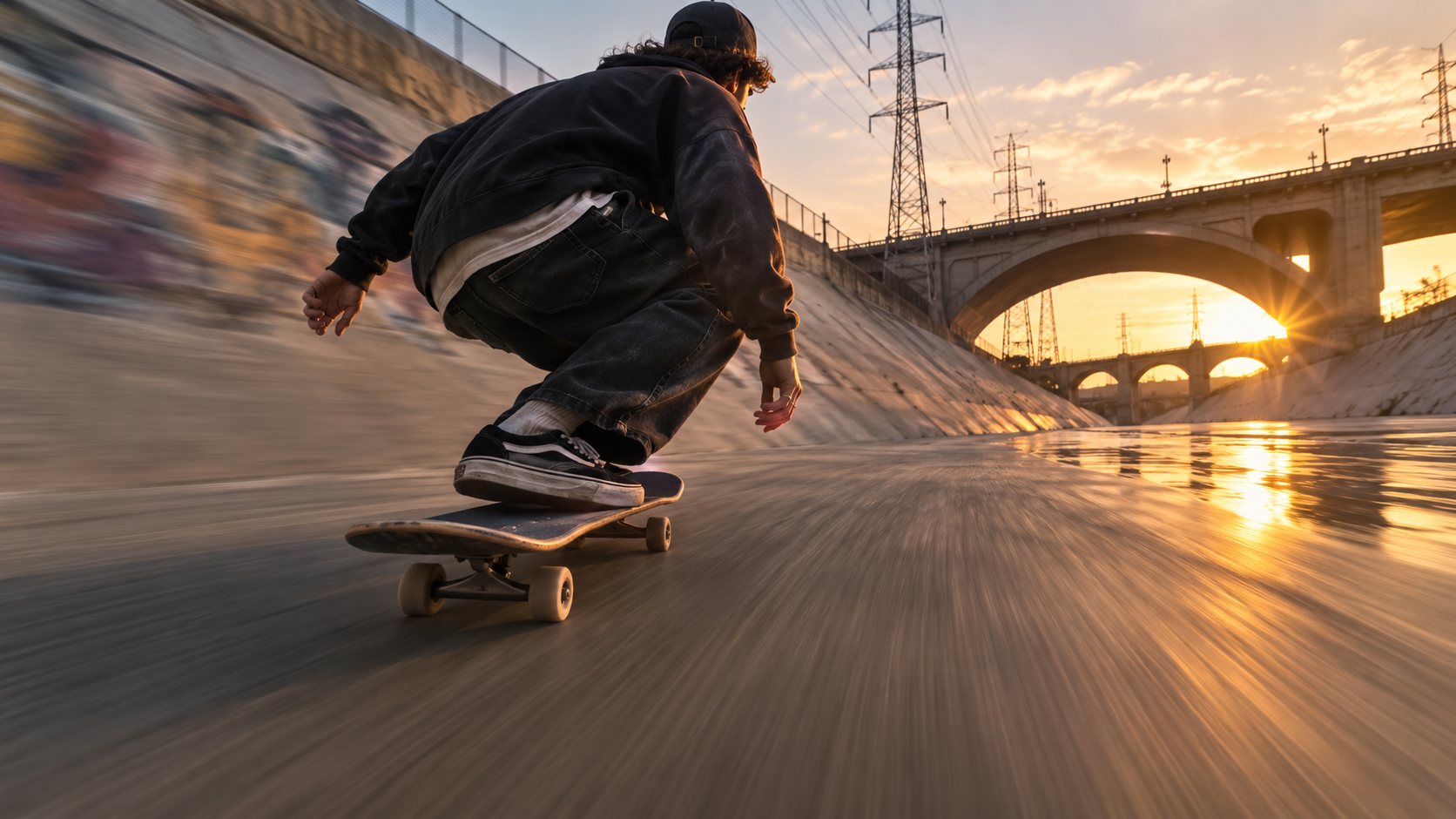
Yeri AI text to image and image to image workflow

AI Image Generator for fast concepts

Turn text to image ideas into drafts, then use image to image when a reference should guide subject, pose, layout, or style. Test prompts, ratios, and product scenes without leaving the workspace.

Start generating
Yeri AI text to video and image to video workflow

AI Video Generator for short clips

Start with text to video for a new scene, or image to video from a reference frame. Compare camera movement, pacing, and composition before you pick a final clip.

Start generating
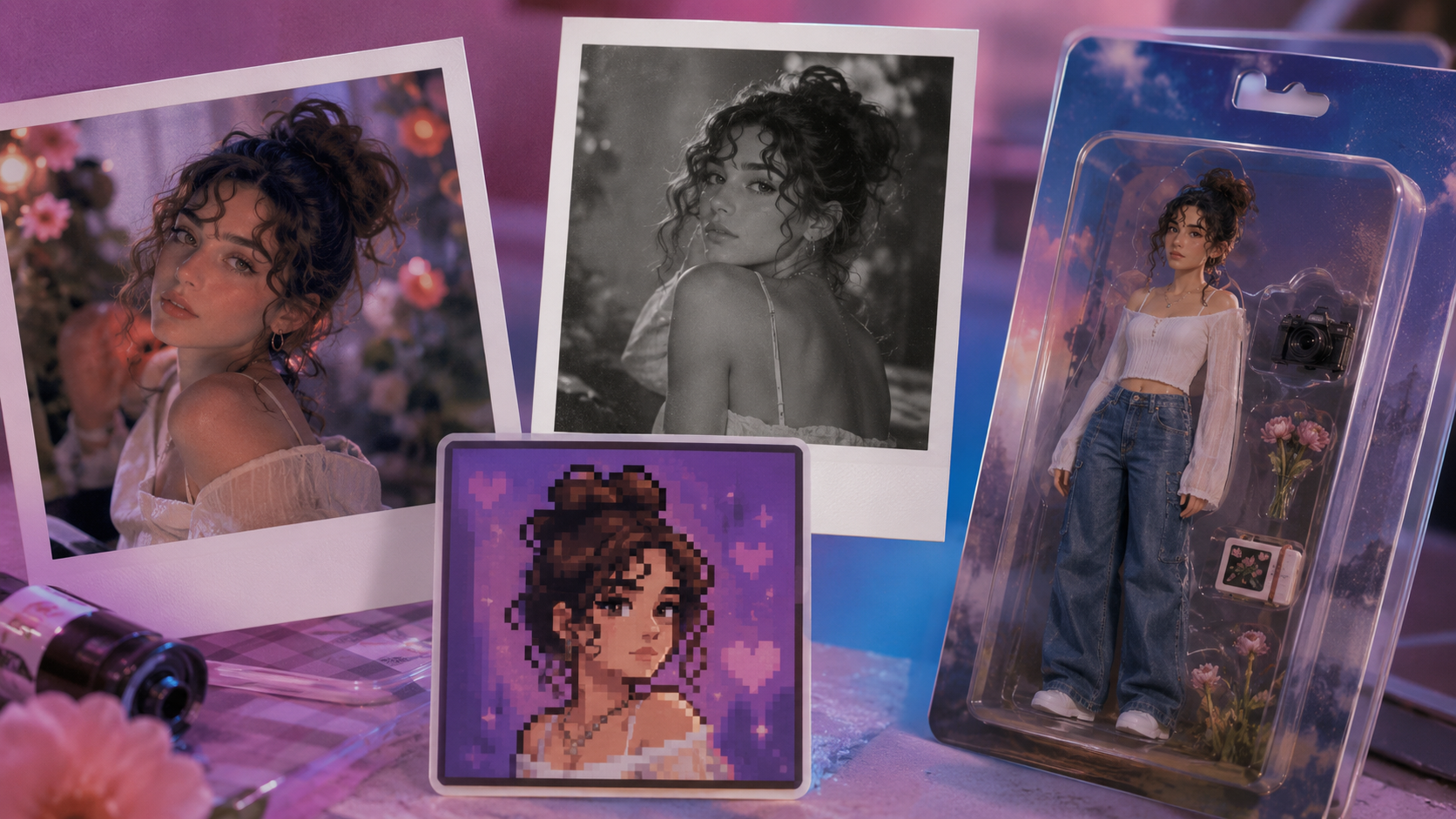
Yeri AI photo effects and templates

Photo effects for specific outcomes

Open guided photo effects when the goal is already clear — portraits, product scenes, posters, covers, pixel art, polaroid looks, and more viral formats.

Start generating
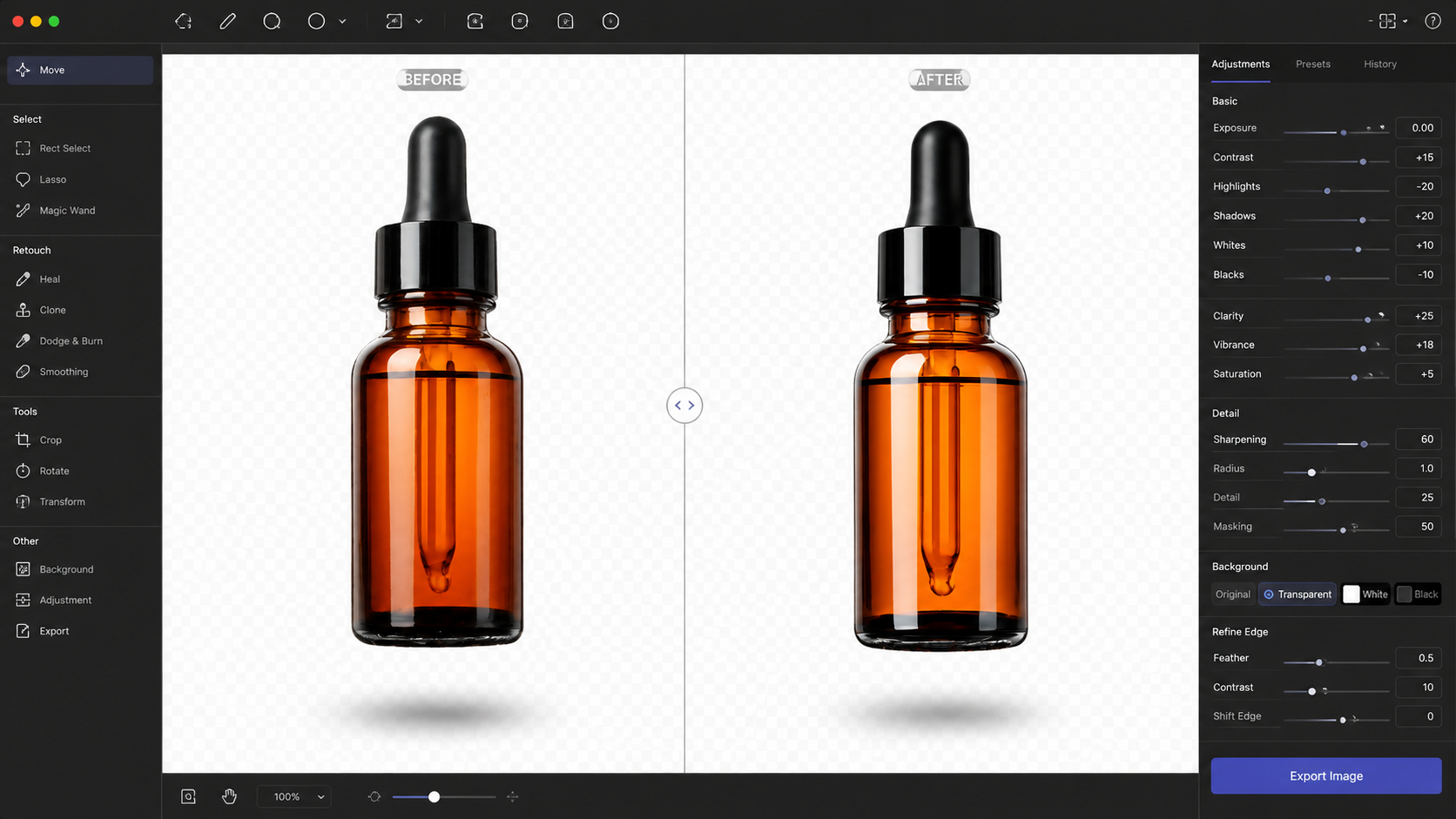
Yeri AI image editing tools

AI image editor for finishing work

Refine assets with reference uploads, background removal, expand image, and upscale up to 4K. Then generate another variation or send a finished frame into video.

Start generating

How It Works

How to use the Yeri AI image generator

From prompt to export in three steps.

Step 1

Write a prompt or upload a reference

Use text to image when the idea starts from words. Switch to image to image when an uploaded photo should preserve subject, pose, layout, product shape, or style.

Step 2

Pick model, style, and aspect ratio

Choose your model, style, and ratio — 1:1, 4:3, 9:16, 16:9 and more. Set Fast, Standard, or High Quality, then pick how many images to generate.

Step 3

Generate, refine, and export

Compare variations, refine with another pass, download for social and ads, or turn a hero frame into image to video when you need motion.

Prompt Inspiration

Explore creative ideas with Yeri AI

Prompt examples that work well for text to image and image to video.

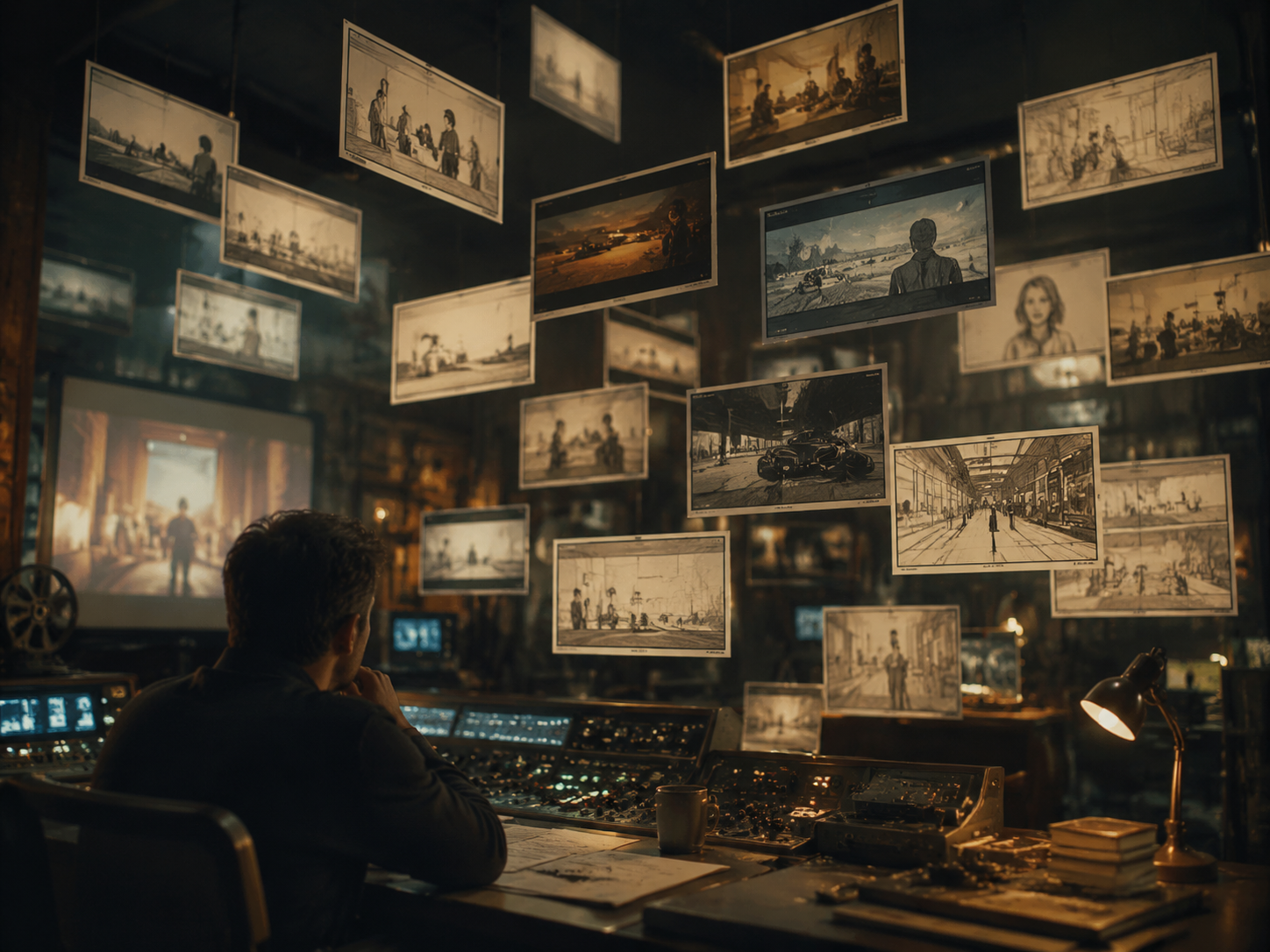
Retro control room Yeri AI prompt example

"A retro control room filled with floating cinematic storyboards, warm tungsten light, shallow depth of field, editorial photography"

Retro control room

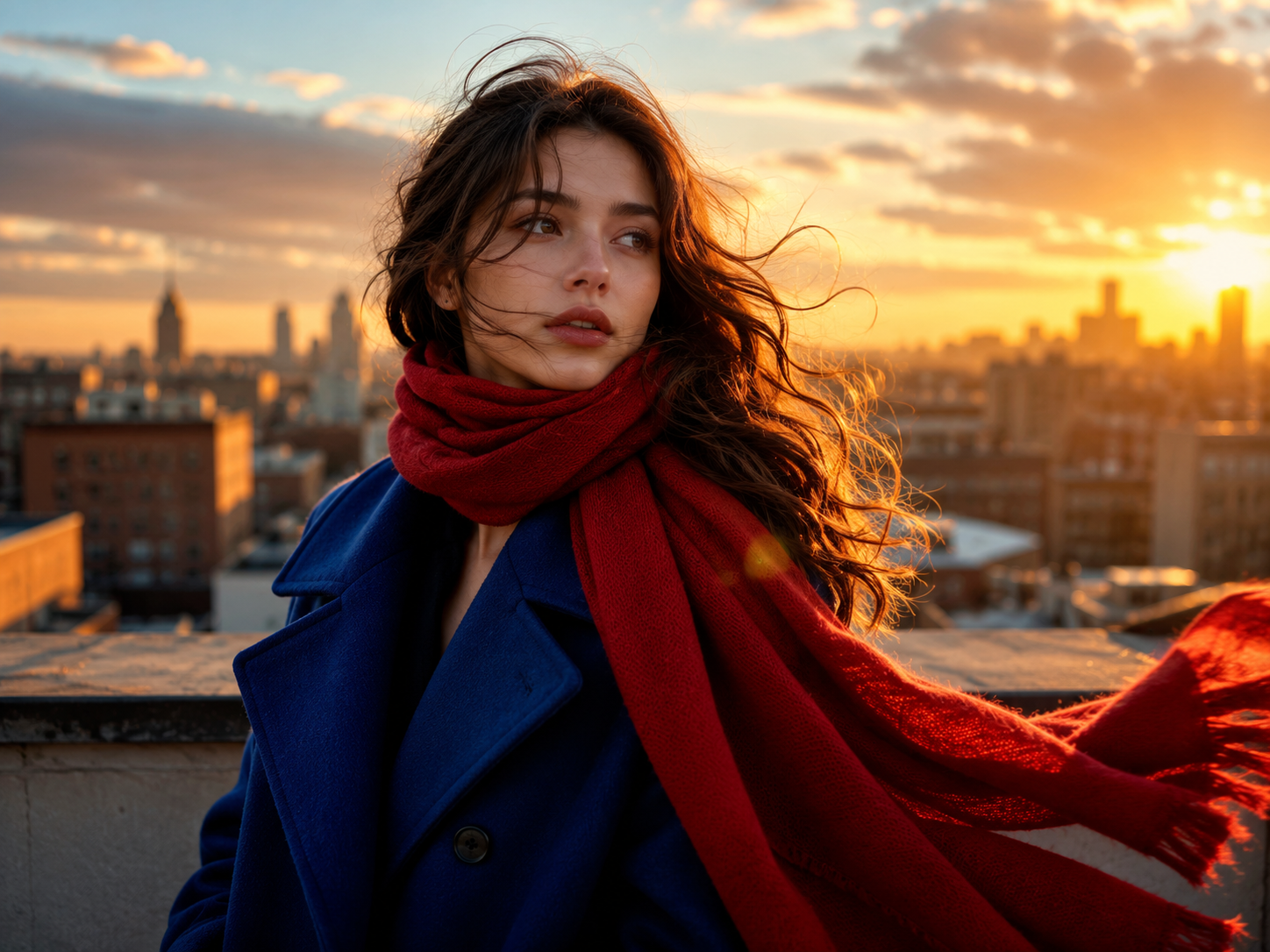
Golden-hour rooftop Yeri AI prompt example

"A cobalt coat and red scarf catch golden-hour rooftop wind, cinematic portrait, soft lens flare, magazine cover composition"

Golden-hour rooftop

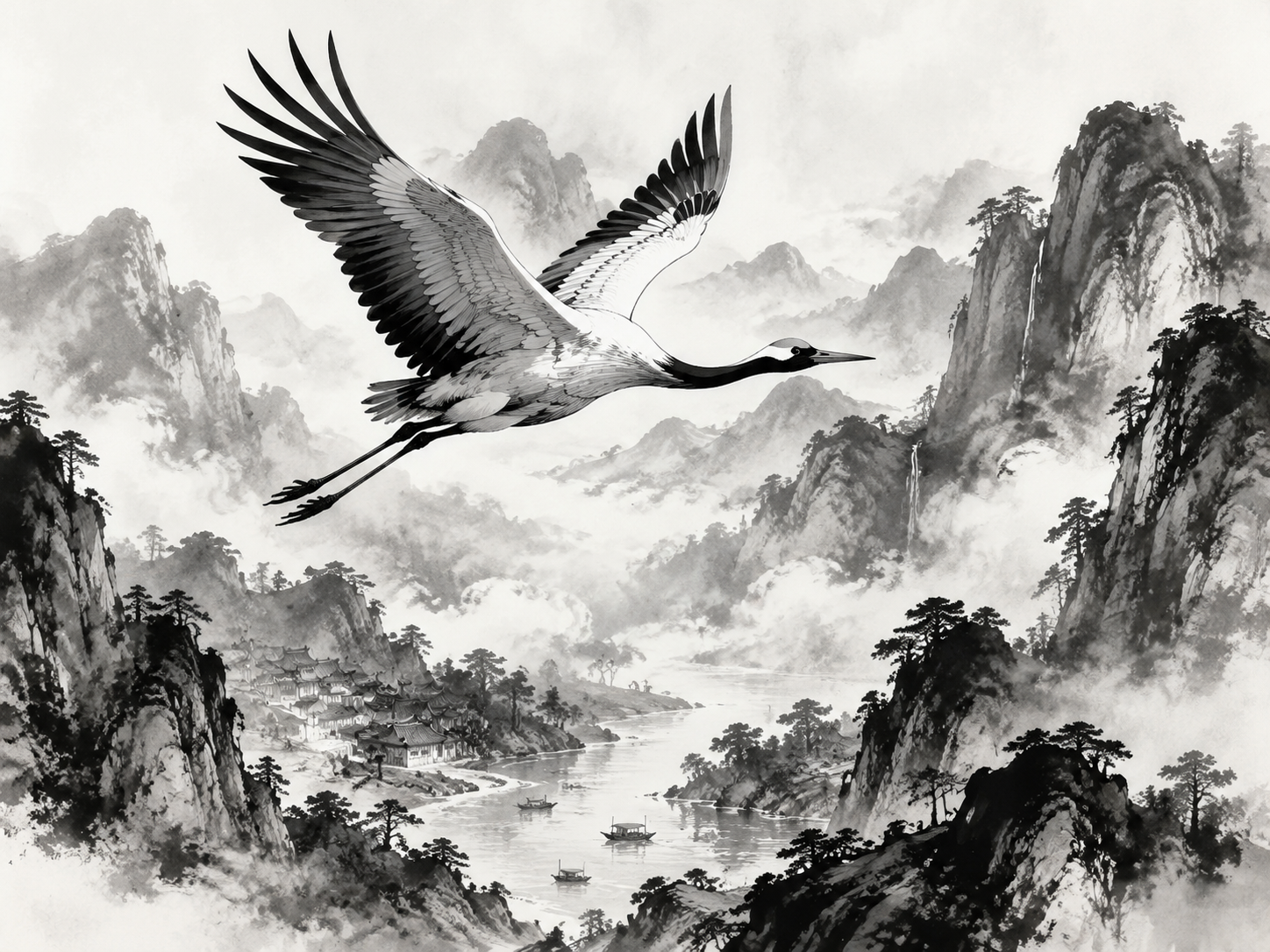
Ink crane landscape Yeri AI prompt example

"A black ink crane flies above misty mountains and villages, traditional sumi-e meets modern illustration, high contrast, fine line detail"

Ink crane landscape

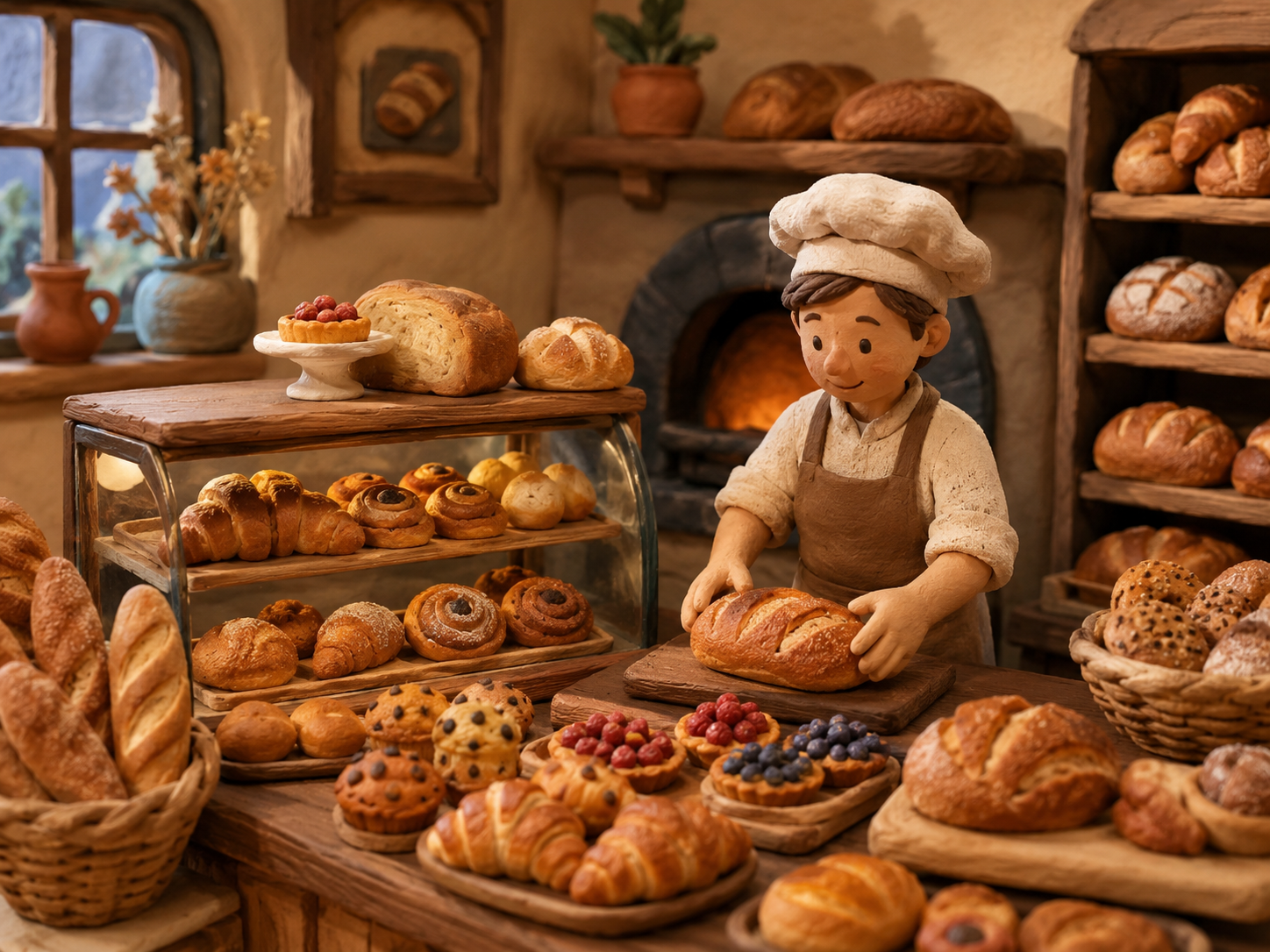
Clay-style bakery Yeri AI prompt example

"A warm clay-style bakery packed with bread and pastries, stop-motion aesthetic, soft studio lighting, charming product scene"

Clay-style bakery

Neon miniature plaza Yeri AI prompt example

"A miniature neon plaza with visible motion paths and camera guides, isometric diorama, cyberpunk color palette, crisp detail"

Neon miniature plaza

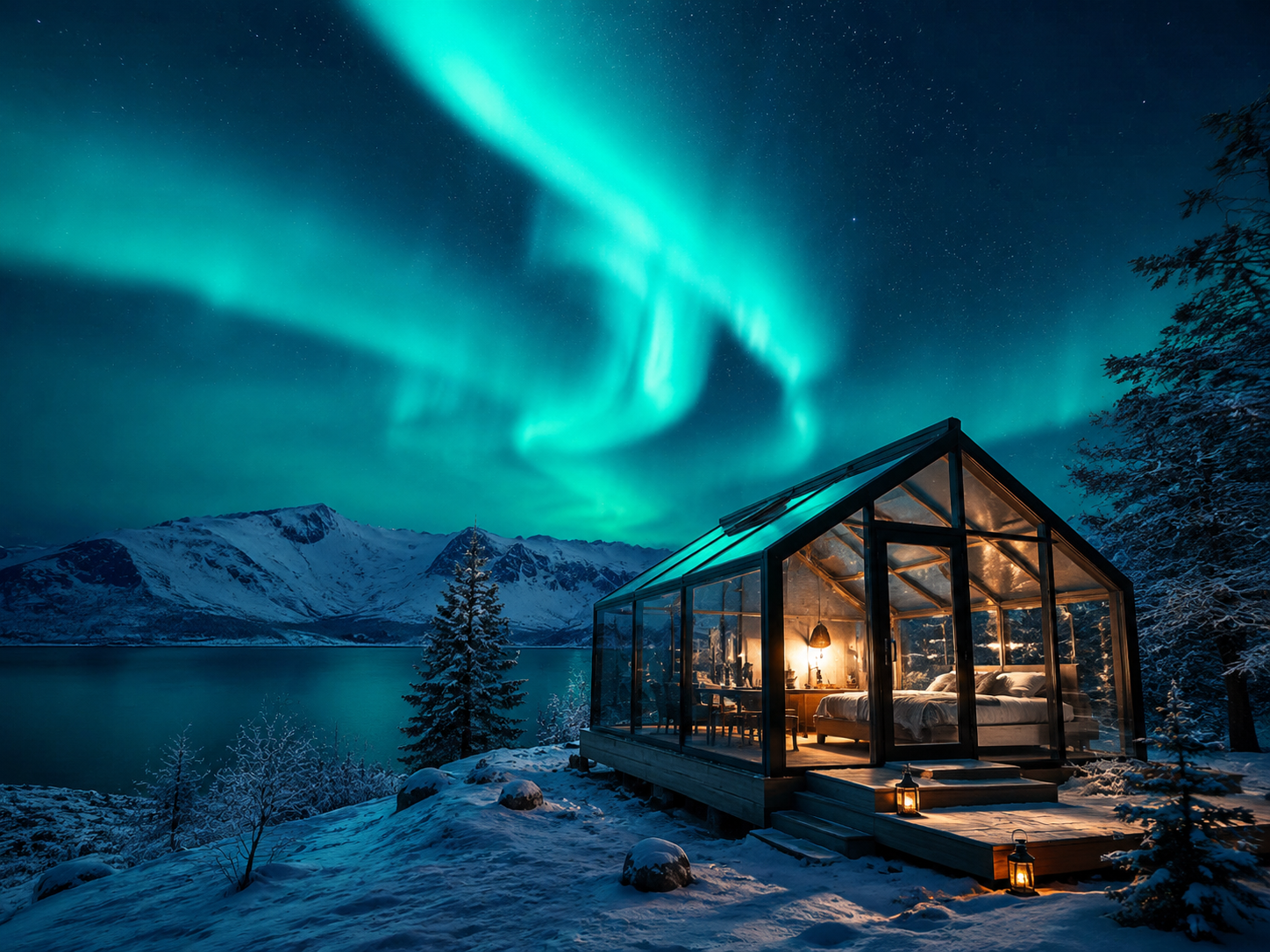
Northern lights cabin Yeri AI prompt example

"A glass cabin glows beneath blue-green northern lights, cozy interior light spill, wide landscape, cinematic atmosphere"

Northern lights cabin

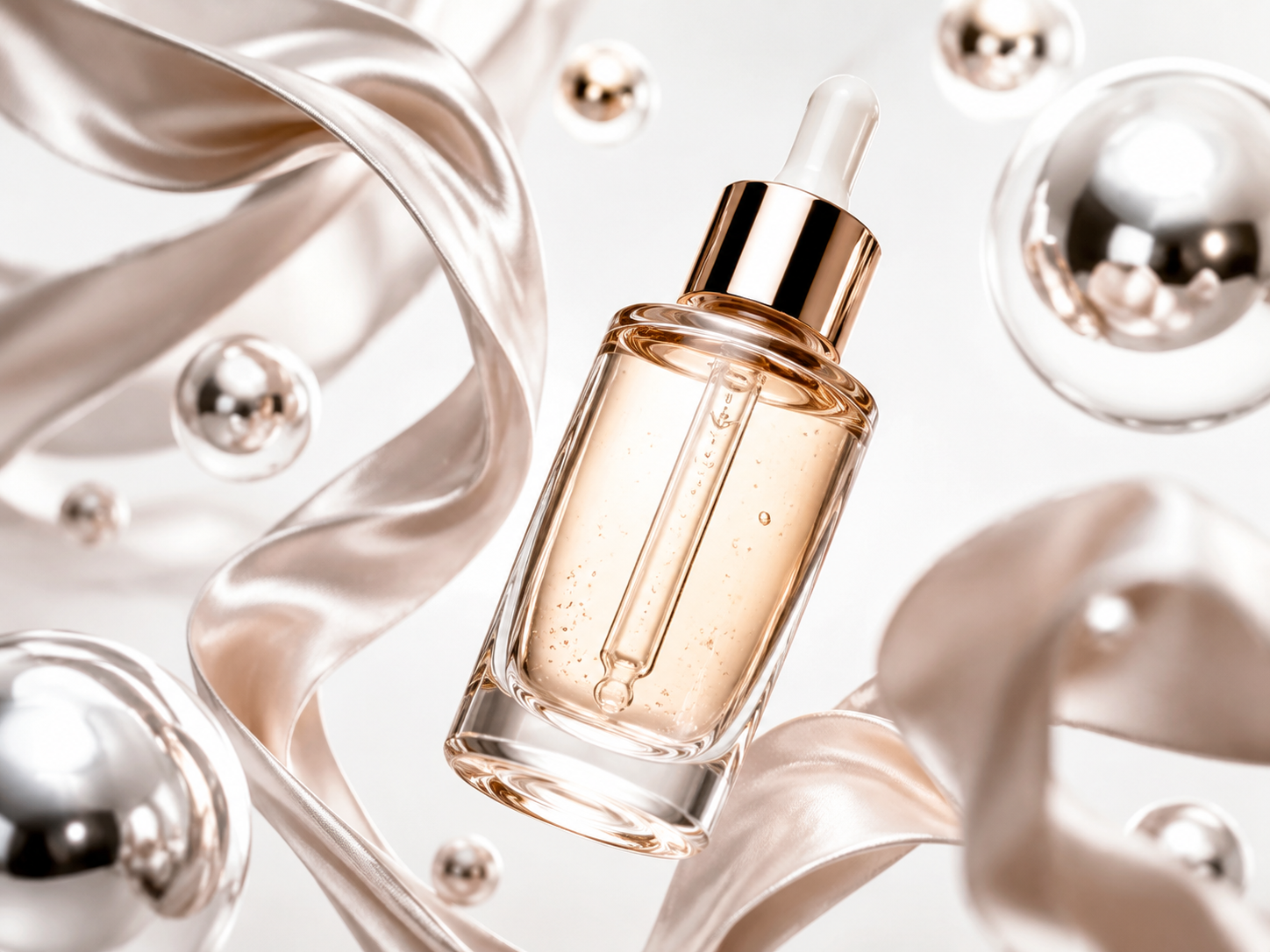
Serum product float Yeri AI prompt example

"A glass serum bottle floats among chrome pearls and silk ribbons, luxury beauty product photography, clean white background, soft reflections"

Serum product float

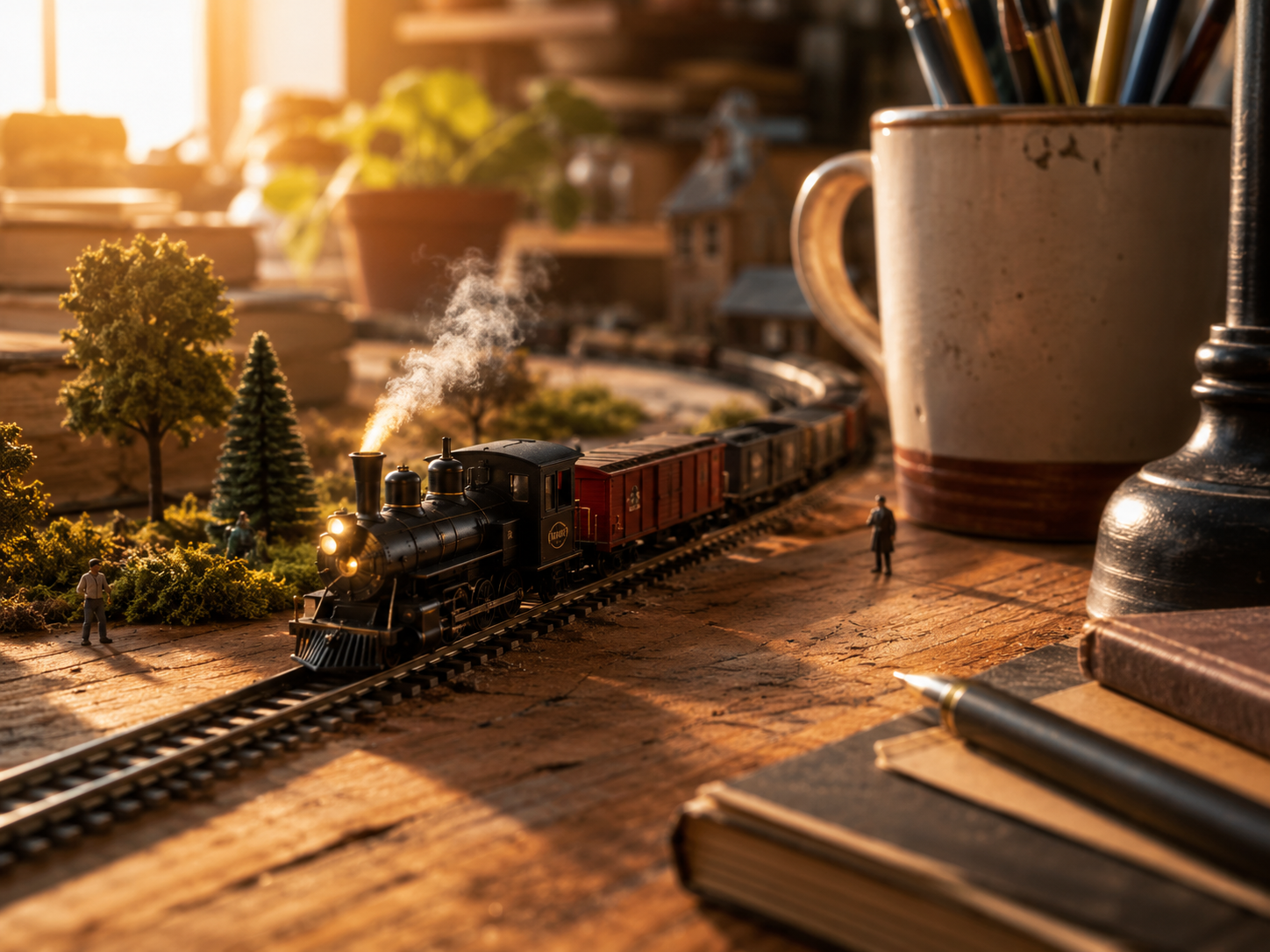
Desk miniature train Yeri AI prompt example

"A tiny train crosses a wooden desk like a miniature world, macro photography, warm afternoon light, whimsical scale contrast"

Desk miniature train

More AI Image & Video Models

Key Features

Why creators choose Yeri AI

One workspace for stills, motion, effects, and edits — without rebuilding the idea every time you switch tools.

Unified creative workspace

Image generation, video motion, photo effects, and editing utilities stay connected from first prompt to final export.

Try it now

Multiple AI models in one place

Access advanced image and video models in one interface so you can compare styles and quality without hopping between apps.

Try it now

Text to image and image to image

Explore broadly with text prompts, then lock subject consistency with reference-guided image to image passes.

Try it now

Guided photo effects

Portrait styles, product scenes, posters, and social formats ship faster when templates handle the layout.

Try it now

Text to video and image to video

Turn still concepts into short clips for social, ads, and story tests without rebuilding the scene from scratch.

Try it now

Commercial-ready exports

Generate private assets with no watermark, ready for client work, product pages, and paid campaigns.

Try it now

Use Cases

What you can create with Yeri AI

From quick drafts to campaign-ready assets across marketing, social, and product teams.

Social content and covers

Generate portrait covers, carousel stills, and short motion clips sized for Instagram, TikTok, and YouTube Shorts.

Start a project

Product and e-commerce visuals

Build hero shots, lifestyle scenes, and variation sets for product pages, marketplaces, and ad creative testing.

Start a project

Posters and marketing layouts

Draft poster concepts, event graphics, and campaign key visuals with strong composition and readable text.

Start a project

Portraits and character art

Create editorial portraits, avatar art, and character references with consistent lighting and style control.

Start a project

Storyboards and pre-visualization

Turn scene descriptions into storyboard frames, then animate selected panels with image to video for pitch decks.

Start a project

Template-driven photo effects

Use guided effects for polaroid styles, pixel art, action-figure looks, anime filters, and other viral formats.

Start a project

More creative tools

Creator Feedback

What creators say about Yeri AI

Teams that keep image and video in one workspace ship creative faster.

I used to bounce between three apps for stills, motion, and resizing. Yeri AI cut our turnaround from days to hours.

Maya Chen, Social media lead

Image to image saved our product shoots — upload one hero photo, generate ten lifestyle variations, pick two for ads.

James Okonkwo, E-commerce designer

Photo effects templates are underrated. When I need a polaroid look or pixel-art conversion, guided formats beat writing prompts from zero.

Elena Vasquez, Freelance illustrator

Storyboard frames to image to video in one session changed how I pitch clients. They see motion, not just static mood boards.

David Park, Indie filmmaker

FAQ

Yeri AI image generator FAQ

What is Yeri AI?

Yeri AI is an all-in-one AI creation platform that combines an AI image generator, AI video generator, AI image editor, photo effects, templates, and focused AI tools in one web workspace. Create stills and motion from the same flow without switching apps.

What can I create with the Yeri AI image generator?

Create text to image artwork, image to image variations, product visuals, portraits, posters, and social content. Compare options quickly, refine with photo effects, or send a hero frame into the AI video generator for motion.

Is Yeri AI free to use?

Yes. Open the generator on this page, write a prompt, and start creating free — no credit card required. Free credits cover your first generations so you can test text to image and video workflows right away.

When should I use text to image vs image to image?

Use text to image when the idea starts from words and you want broad exploration. Use image to image when an uploaded reference should preserve subject, pose, layout, product shape, or style while Yeri AI creates new versions.

Does Yeri AI support AI video generation?

Yes. Use text to video for a new scene, or image to video when a reference frame should guide the first shot. Switch the generator to video mode for product motion, social clips, story tests, and template-based drafts.

What photo effects and templates does Yeri AI offer?

Yeri AI includes guided photo effects for pixel art, polaroid looks, action-figure styles, celebrity selfie formats, age filters, clothes changers, anime and comic looks, posters, and more. Use templates when the output format is already clear.

Can I use Yeri AI images commercially?

Yes. Generated assets can be used for client work, product pages, and marketing campaigns according to our terms. Exports are private and watermark-free on eligible plans.

How do I get the best results with Yeri AI?

Be specific about subject, lighting, composition, style, and aspect ratio. For product or character consistency, upload a reference and use image to image. Generate a few variations, then refine the strongest result or animate it with image to video.

Start creating with Yeri AI today

Text to image, image to image, photo effects, and AI video — one workspace, free to start.

Open Yeri AI generator

No credit card required.