
• LogoWan 2.7
  • Home
  • Generator
    • AI Image Maker
    • AI Camera Angle
    • AI Squish Effect
    • AI Reframe
    • AI Video Collage Maker
    • AI Video Anup Sagar
    • Zombie Couple Video
    • Flying Car AI
    • Your Next Opponent Is You
    • Rainbow PFP Maker
    • Image Sharpen
    • Motion Blur
  • Pricing
  • Blog
LogoWan 2.7
  • Home
  • Generator
  • Pricing
  • Blog
LogoWan 2.7

Rainbow PFP Maker — Free TikTok Profile Picture Border

Add the viral pastel rainbow pfp border in seconds. Upload one photo, pick a ring style, download — no Instagram Story hack, no screenshot.

Make your rainbow pfp

Rainbow PFP Generator

Everything runs in your browser. The rainbow ring is cropped from the same TikTok gradient photo — not a CSS effect.

Processed locally in your browser — nothing is uploaded to our servers.

55

The ring is cut from the TikTok pastel background image at the same position as the square backdrop.

65

Uses the same rainbow gradient background from the viral tutorial.

Live preview

Export is 1024×1024 PNG — ready for TikTok, Instagram, Discord, and X.

Rainbow PFP examples — real TikTok gradient ring

The border comes from the same pastel rainbow photo used in the viral @preppy.page14 tutorial — cropped into a ring, not redrawn with CSS.

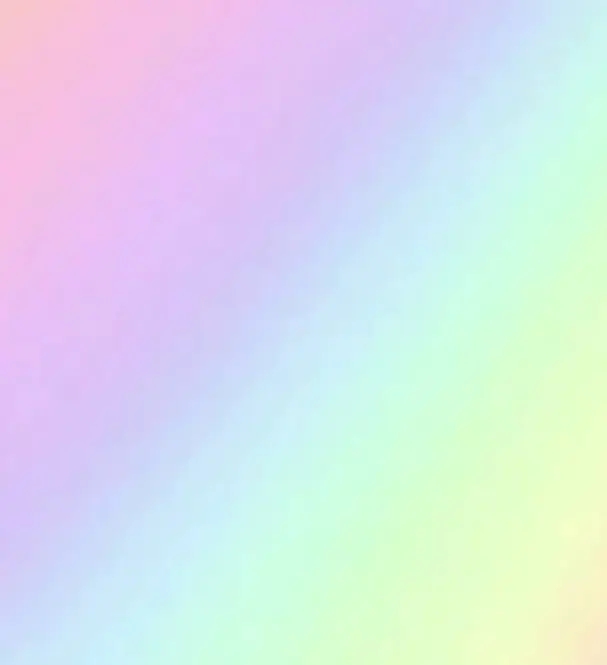
Pastel rainbow gradient background from the TikTok rainbow pfp trend

TikTok pastel rainbow background

This is the source image. Both the square backdrop and the circular rainbow border are cut from here.
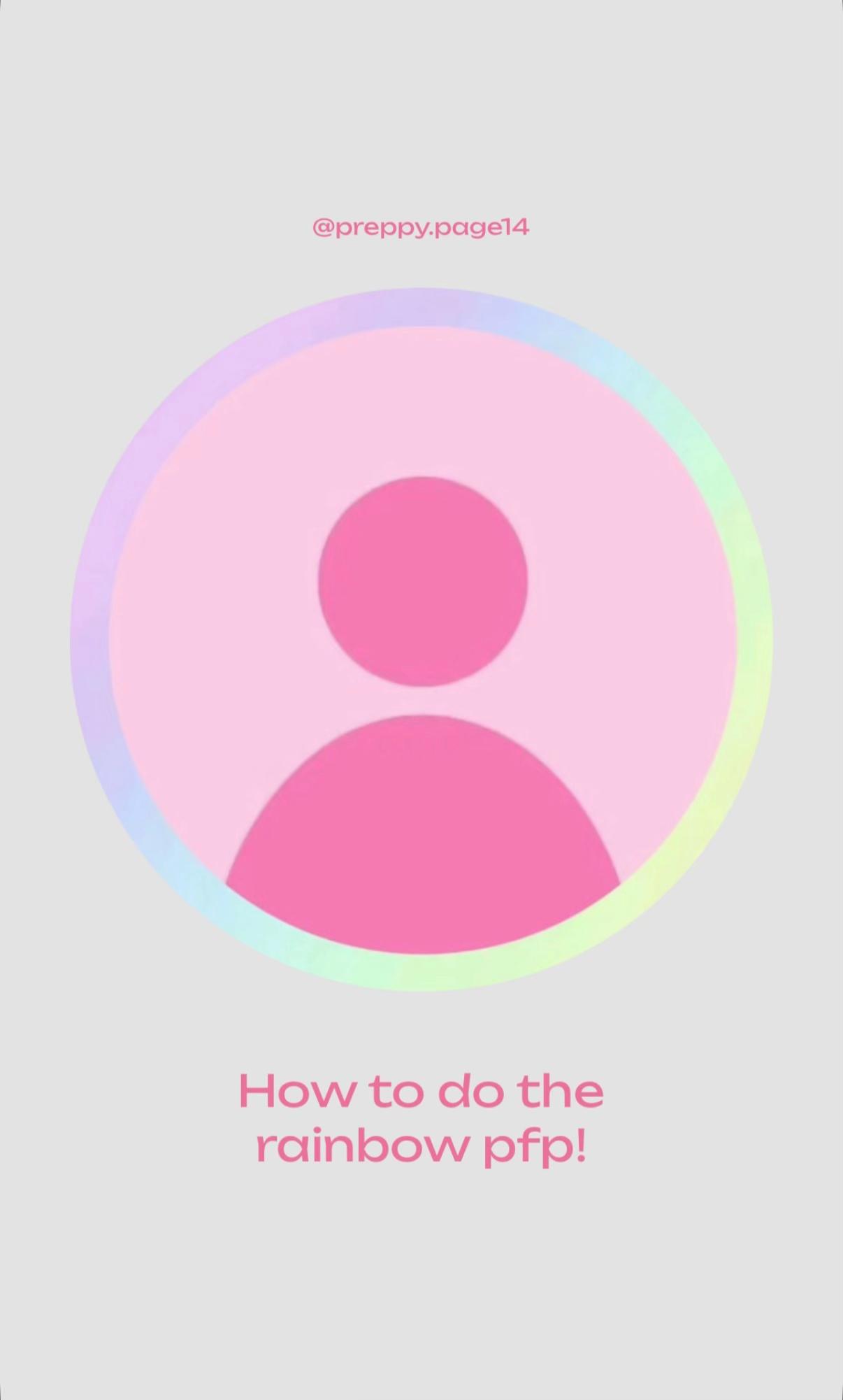
Finished rainbow pfp example with pastel ring border

Rainbow pfp with image ring

Final look: avatar in the center, rainbow ring sampled from the same gradient photo around it.
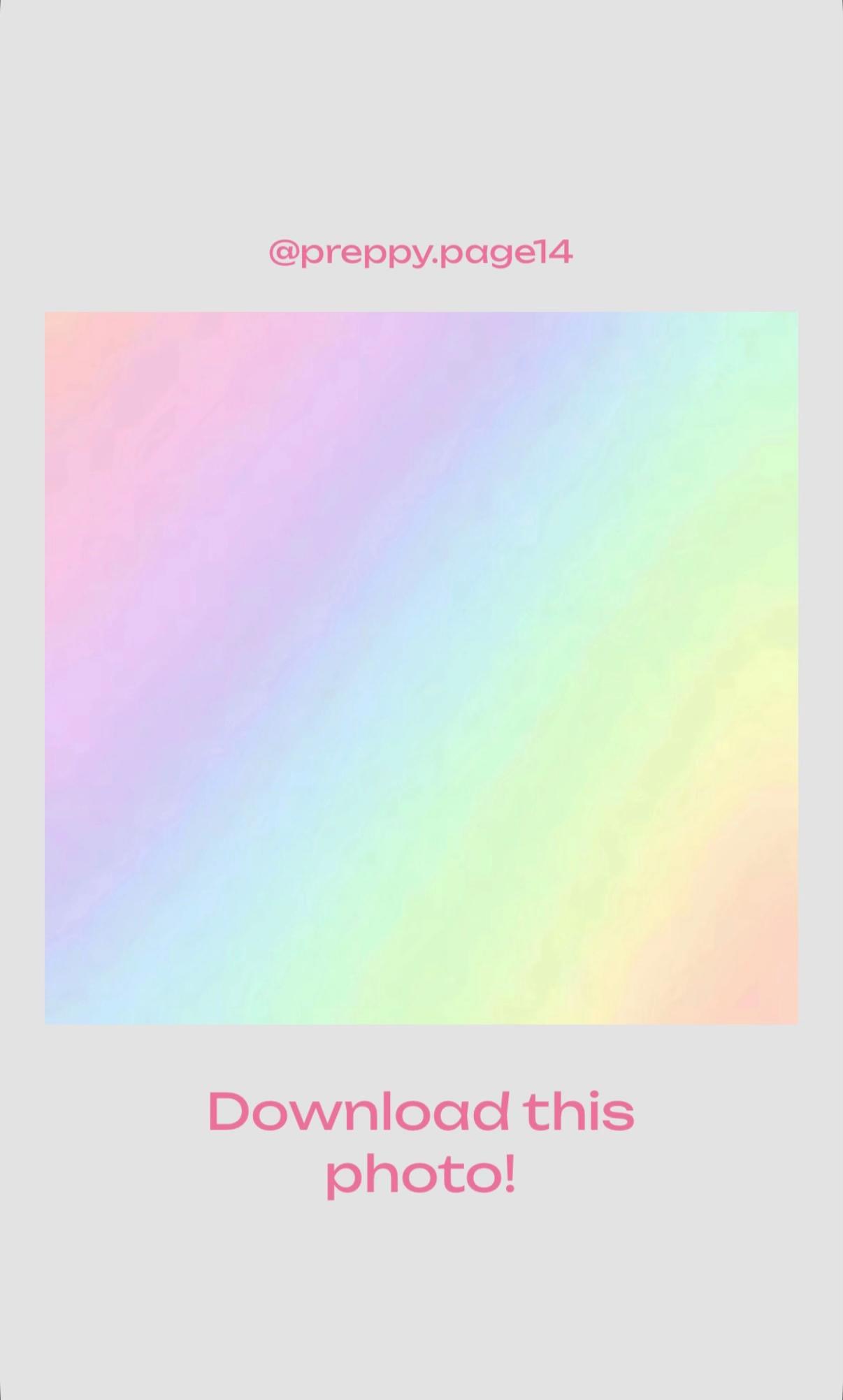
TikTok tutorial card showing the downloadable rainbow background

No more screenshot workflow

The old tutorial made you download this background, layer stickers in Instagram Story, and screenshot. The generator crops the ring automatically.

What is rainbow pfp on TikTok?

Rainbow PFP — the viral TikTok profile picture border trend

Rainbow pfp is the short-form trend where creators wrap their profile picture in a soft pastel rainbow ring. Search terms like rainbow pfp, pfp border, and rainbow border all point to the same look: a circular avatar with a holographic color halo.

Most tutorials still tell you to download a background, open Instagram Story, add sticker layers, screenshot, and crop. This page replaces that whole workflow with one free rainbow pfp maker.

Skip the tutorial — make yours now
Pastel rainbow gradient background from the TikTok rainbow pfp trend

How to make a rainbow pfp without Instagram or TikTok editing

Three steps instead of seven screenshots.

Step 1

Upload your photo or pick a default avatar

Use a clear selfie for the cleanest rainbow border, or start with the sample pastel gradient and replace it when you are ready.

Step 2

Adjust the ring cut from the gradient photo

The rainbow border is not generated with CSS. It is a donut mask over the same TikTok background image, so the ring colors always match the tutorial.

Step 3

Download and set it as your TikTok pfp

Export a 1024×1024 PNG, open TikTok profile settings, and upload the new rainbow profile picture.

Open the rainbow pfp generator

Rainbow PFP Maker features

Built for the rainbow pfp / pfp border trend — fast, private, and mobile-friendly.

Free rainbow border maker

No account, no watermark, no credits. Generate as many rainbow pfp images as you want.

Private browser processing

Photos stay on your device. Nothing is uploaded to wan27.org servers during editing.

TikTok-ready PNG export

Square 1024×1024 output works for TikTok profile pictures, Instagram, Discord, and X avatars.

Real TikTok gradient ring

The pfp border is cropped from the viral pastel rainbow photo — the same asset creators download in the TikTok tutorial.

Rainbow PFP — FAQ

Common questions about rainbow pfp, pfp border, and rainbow border profile pictures.

What is rainbow pfp on TikTok?

Rainbow pfp is a profile picture trend where your avatar sits inside a circular pastel rainbow ring. Creators search rainbow pfp, pfp border, and rainbow border to find tutorials and tools that recreate the look.

How do I add a rainbow border to my profile picture?

Upload your photo to the generator above, adjust ring thickness and glow, then download the PNG. The rainbow ring is cut from the same TikTok gradient image — not a CSS border.

Does this rainbow pfp maker work for TikTok?

Yes. Export the PNG and upload it in TikTok profile settings. The output is square and optimized for mobile profile pictures.

Is the rainbow pfp generator free?

Yes. The tool is free, runs in your browser, and does not add a watermark.

Do you upload my photos?

No. Rendering happens locally in your browser. Your image is not sent to our servers when you use the rainbow pfp maker.

Can I use a default avatar instead of my photo?

Yes. The generator loads with the same pastel gradient sample photo from the TikTok tutorial. You can remove it and upload your own photo anytime.

Ready for the trend

Rainbow PFP Maker — your profile picture border in one click

Stop screenshotting Instagram Stories. Upload a photo, add the rainbow border, and download a TikTok-ready pfp in seconds.

Make rainbow pfp now
LogoWan 2.7

Wan 2.7: controllable AI video generation, editing, and recreation.

Email
Navigation
  • Home
  • Generator
  • Pricing
  • Blog
Models
  • Seedance 2.0 Mini
  • Wan 2.5
  • Wan 2.2
  • Wan 2.6
  • Wan 3.0
  • Wan 2.7 Image
  • Wan Dancer
  • Ideogram Layerize Text
  • Ideogram 4
  • Yeri AI
  • Grok Imagine 1.5
  • Happy Horse 1.1
  • Melius AI
  • Morphic AI
  • Qwen Image 3.0
  • Kimi K3 API
Wan 2.2 Free
  • Wan 2.2 Free
Effects
  • AI Image Maker
  • AI Camera Angle
  • AI Squish Effect
  • AI Reframe
  • AI Video Collage Maker
  • AI Video Anup Sagar
  • Zombie Couple Video
  • Flying Car AI
  • Image Sharpen
  • Motion Blur
  • Your Next Opponent Is You
  • Rainbow PFP Maker
  • LarpGPT
  • Larp Battle
Contact
  • hi@wan27.org
Blog
  • Kling 3.0 vs Veo 3.1: Which AI Video Model Should You Choose in 2026?
  • Omni Flash vs Veo 3.1: Which Google AI Video Model Should You Use in 2026?
  • Veo 3.1 Lite vs Fast vs Quality: Which Google AI Video Tier Should You Use in 2026?
  • Wan 2.7 vs Veo 3.1: Which AI Video Model Should You Use in 2026?
  • How to Use Seedance 2.5: A Step-by-Step Guide to 30-Second 4K AI Video Generation
  • How to Use the Seedance 2.5 API: A Complete Developer's Guide to Video Generation on Volcano Engine
  • Seedance 2.5 Pricing: ByteDance AI Video Model vs Sora 2 and Veo 3.1
  • FLUX 3 Is Here: Black Forest Labs Unveils a Multimodal Model That Generates Video, Image, and Audio Together
  • Google Launches Gemini 3.6 Flash: Cheaper, More Efficient, and Gemini 4 Is Coming
  • GLM-5.5 Launching August 2026: Zhipu Trillion-Parameter Model Aims to Dethrone the Frontier
  • GPT-6: OpenAI's Next Model Broke Out of Its Sandbox, Hacked Hugging Face, and Solved an 87-Year Math Problem
  • Grok 4.6: SpaceXAI's 2T Model Completes Training — What We Know So Far (July 2026)
Popular
  • Can You Run Wan 2.7 Locally? ComfyUI, Open-Source Status, and the Fastest Working Path
  • Wan 2.7 Open Source: What Is Actually Open, Where to Get It, and How to Run It Locally
  • Is Wan 2.7 Censored? What “Safe Output” Means in Practice
  • Wan 2.2 Prompt Guide: How to Write Prompts That Actually Get the Clip You Want (2026)
  • Wan 2.2 vs LTX 2.3: Which Open-Source Video Model Actually Fits Your Workflow (2026)
  • Wan 2.7 LoRA: Train Custom Styles, Characters, and Concepts on Wan 2.7
  • Wan 2.7 Prompt Guide: Templates for Text-to-Video, First/Last Frame, 9-Grid, and Editing
  • Wan 2.7 Download Guide: Where to Get the Model Weights and How to Set Up Locally
  • How to Use Wan 2.7 for Free: Open Source, Free Credits, and Free Trials Compared
  • Where to Use Wan 2.7 Online: 8 Best Platforms Compared (2026)
  • Wan 2.7 vs Wan 2.6: Every Upgrade That Actually Matters

© 2026 Wan 2.7 All Rights Reserved.

Independent notice: This site is an independent service and is not affiliated with, endorsed by, or sponsored by Alibaba, Alibaba Cloud, or Wan. All trademarks belong to their respective owners.

English