
Wan 2.2. Text, Image, Speech, and Template Animation in One Family.
Wan 2.2 covers five practical workflows in this project: text to video, image to video, speech to video, animate move, and animate replace. It is useful when teams need short, task-specific generation paths instead of one general-purpose mode.
Turbo text-to-video. Fixed 5-second generation with 480p, 580p, or 720p.
Prompt (188/5000)
Generated results will appear here
Submit a generation to see results here.
Wan 2.2 — A Task-Specific Video Model Family.
Wan 2.2 is the most mode-diverse Wan family in this project. It supports prompt-led clips, image-led clips, speech-driven portrait video, and two template animation workflows for moving or replacing content with source media.
That makes Wan 2.2 useful when the job is narrow and the inputs are clear. Instead of one broad workflow, it offers several smaller ones with specific media requirements and output profiles.
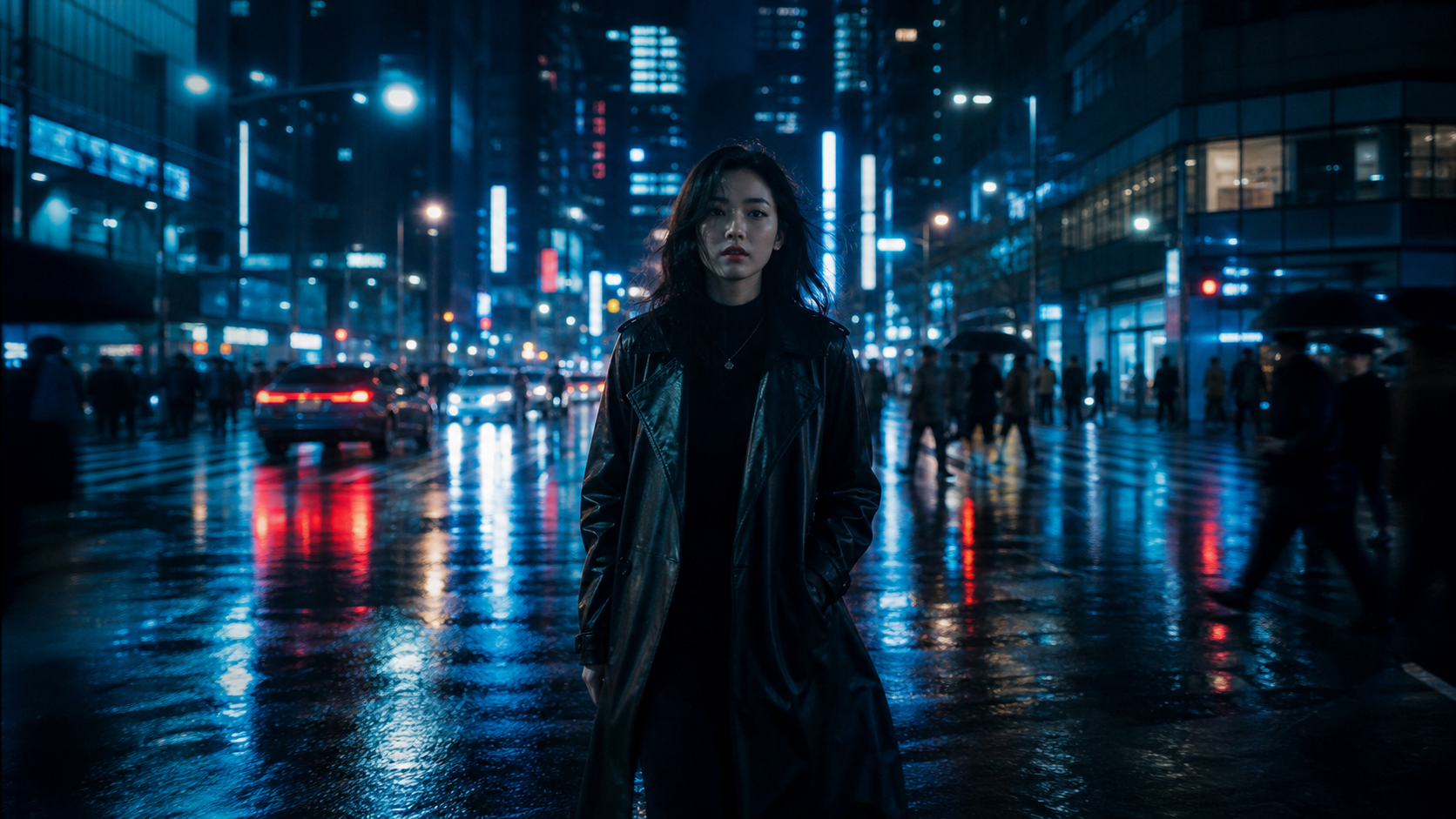
Text and Image Video Modes
Use prompt-only or image-led generation depending on how the idea starts.
Speech to Video
Combine a portrait image and speech audio to generate talking-style video.
Animate Move and Replace
Use source video plus image inputs for template-like motion or replacement workflows.
480p, 580p, and 720p
Choose among three output resolutions across the Wan 2.2 family.
Wan 2.2 in Three Practical Steps.
Pick the workflow, add the required media, then render the task-specific output.
Choose the Right Wan 2.2 Mode
Use text to video for prompt-only clips, image to video for still-to-motion work, speech to video for portrait + audio generation, and animate move or replace for template-style source-media workflows.
Pick the mode from the input requirement, not from the model name.
Prepare the Required Inputs
Some Wan 2.2 modes need only a prompt, while others require an image, audio, or source video. The workflow is clearer when you decide inputs first and prompt second.
Speech and animate modes work best when source media is already clean and intentional.
Generate in the Right Resolution and Duration
Wan 2.2 uses practical output profiles across 480p, 580p, and 720p. Some modes stay short and fixed, while others offer longer talking-style generation.
Treat Wan 2.2 as a toolset of smaller workflows, not one generic model.
Why Teams Use Wan 2.2 I2V and Other Task-Specific Modes
A broader set of task-specific workflows than the newer but simpler Wan families.
Text to Video Turbo
Wan 2.2 text to video is useful when you need a short prompt-led clip without additional media setup.
Prompt-first, short-form generation.
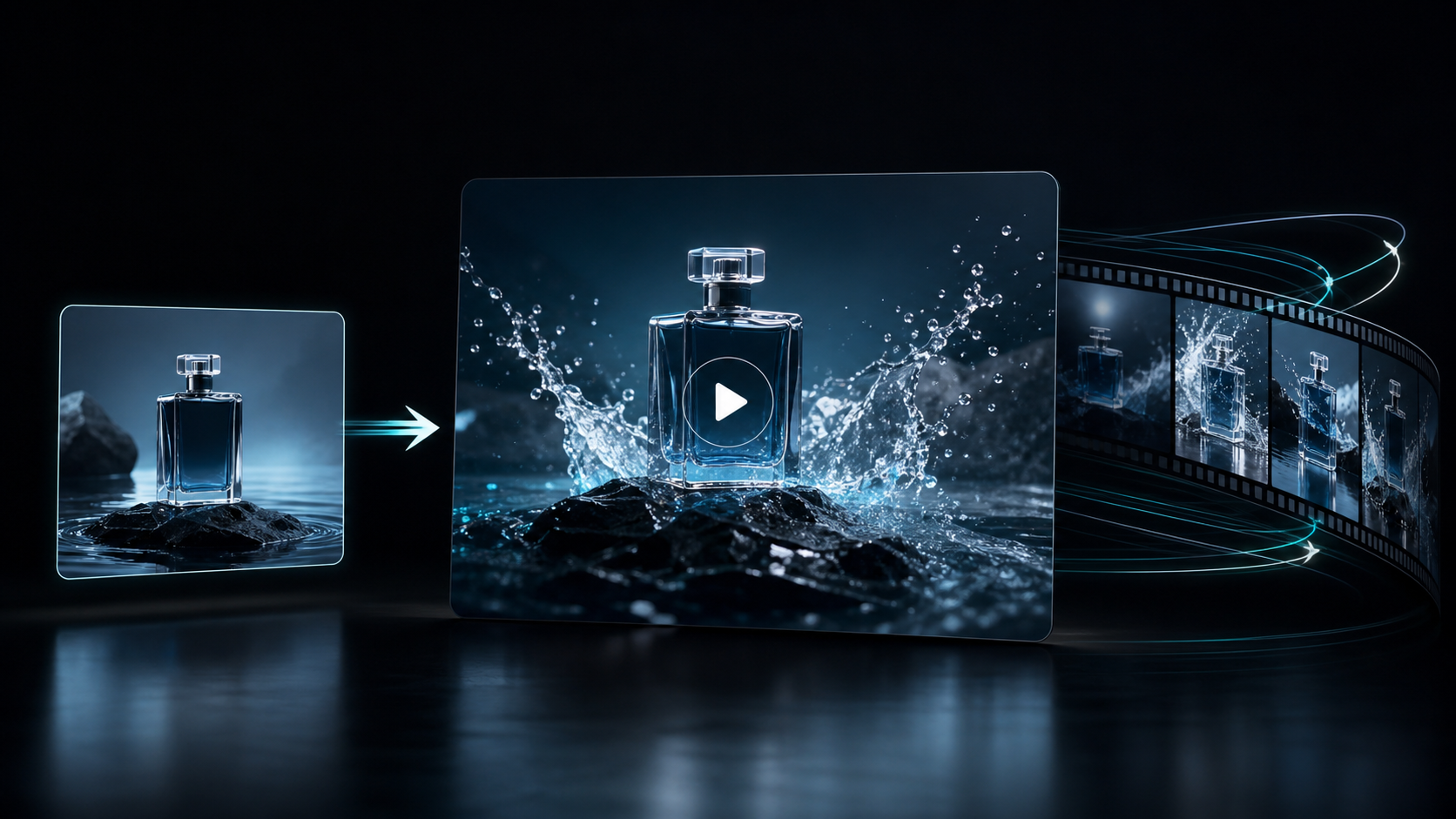
Image to Video Turbo
Wan 2.2 image to video uses a source image as the starting frame and turns it into a short animated clip.
Start from a still and move forward.
Speech to Video
Wan 2.2 speech to video combines a portrait image and an audio track to generate talking-style motion with a clearer input structure than generic prompt-only video.
Image plus audio, built for talking clips.
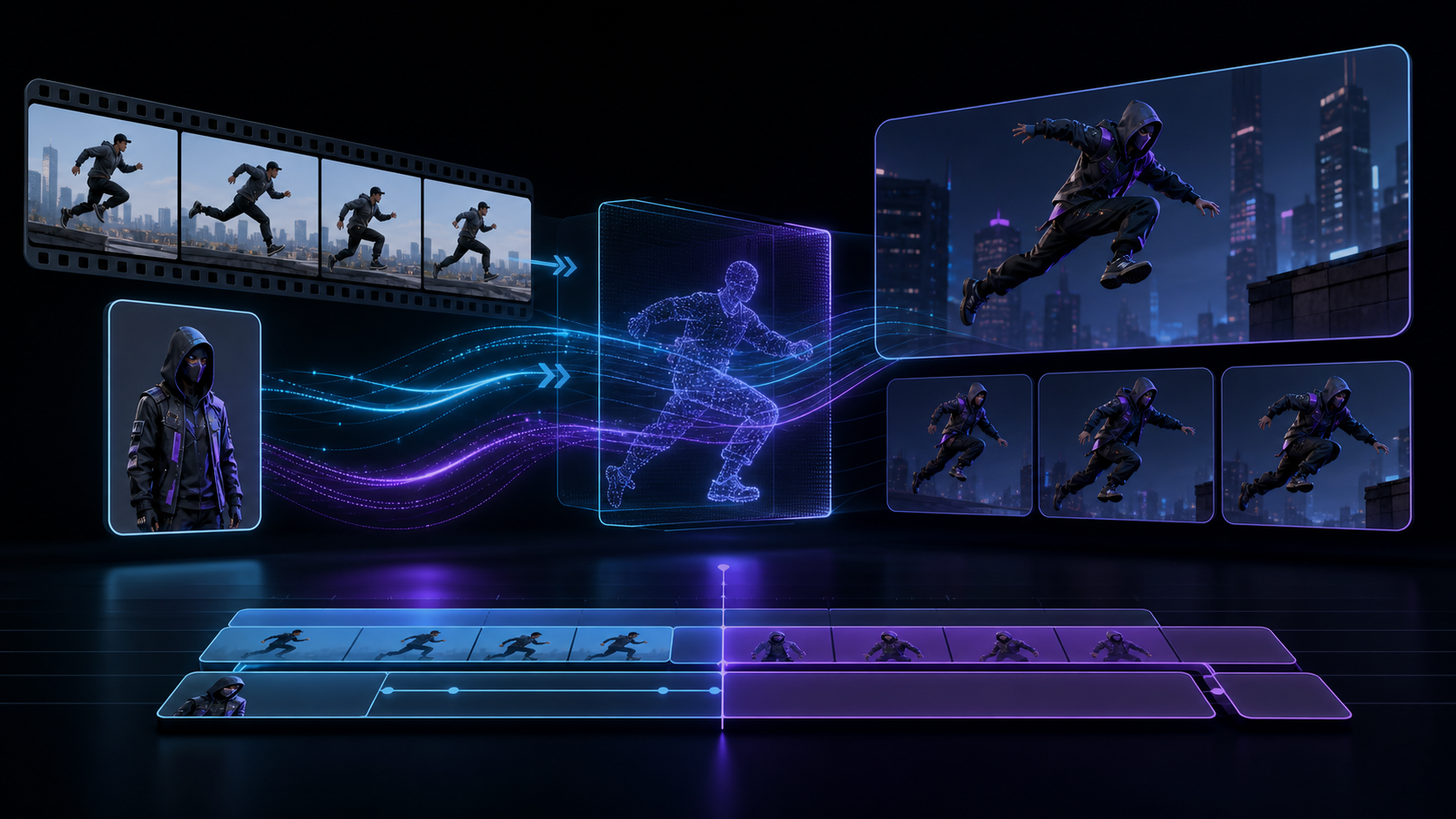
Animate Move
Animate move uses a source video plus an image input for template-like motion workflows where existing movement matters.
Reuse source motion more directly.
Animate Replace
Animate replace uses source video plus image input for replacement-oriented motion tasks when you need a different visual element in the same movement pattern.
Swap the visual while keeping the motion pattern.
480p, 580p, and 720p Output
Wan 2.2 gives teams three practical resolution choices, which is useful when the job is more about fast workflow matching than maximum cinematic output.
Three resolutions, lighter tradeoffs.
Task-Specific Instead of One-Size-Fits-All
The value of Wan 2.2 is the breadth of specific workflows. Each mode solves a narrower job more directly than a general-purpose prompt-only path.
More modes, clearer jobs.
Good Fit for Operational Video Work
Wan 2.2 is useful for teams that handle many small content tasks, especially when speech, short animation, or template-like transformation flows show up often.
Practical workflows for day-to-day content ops.
Where the Wan 2.2 Image to Video Workflow Fits Best.
Use different Wan 2.2 modes for short clips, talking portraits, and source-media animation tasks.
Generate Short Prompt-Led Motion Tests
Use Wan 2.2 text or image video modes to test simple shot ideas and motion beats quickly.
Create Portrait-Led Clips from Audio and Image
Speech to video is useful for lightweight talking-head outputs, explainers, and creator-style content.
Build Quick Replacement and Motion Variants
Animate move and animate replace help when teams need template-like motion behavior around existing source video patterns.
Turn Character Stills into Short Motion Samples
Image to video can help test short loops or promo fragments from concept art or keyframes.
Match the Workflow to the Input Type
Wan 2.2 is useful when the operator needs different short-form tools depending on whether the job starts from prompt, image, speech, or source media.
Create Short Teaching Clips with Simple Inputs
Use speech and image-based modes for practical educational content where the media requirements are already clear.
Why Operators Keep Wan2.2 I2V and the Extra Modes Around.
"Wan 2.2 is not about one hero workflow. It is useful because it has a mode for the small jobs that show up every day."
"Speech to video is what keeps Wan 2.2 relevant for us. The input structure is clear enough that junior operators can use it without much confusion."
"The animate modes are niche, but when you need them, they are exactly the right level of specificity."
"Text to video and image to video are still good for fast tests, but the extra Wan 2.2 modes are why it stays in our toolbox."
"480p, 580p, and 720p are enough for the kinds of short operational clips we use Wan 2.2 for."
"Wan 2.2 is for people who think in workflows and inputs, not just in model version numbers."
Start Creating with Wan 2.2
Use text, image, speech, and template animation workflows from one broad Wan family.
No credit card required. Free generations included. Multiple input-driven modes available.
Wan 2.2 Workflow I2V FAQ and Common Questions.
What is Wan 2.2?
Wan 2.2 is a multi-mode video model family in this project that supports text to video, image to video, speech to video, animate move, and animate replace workflows.
How does Wan 2.2 text to video work?
Wan 2.2 text to video generates a short clip from prompt alone and is best when the idea starts in words rather than in existing media.
How does Wan 2.2 image to video work?
Wan 2.2 image to video starts from a source image and animates it into a short clip based on the prompt.
What is Wan 2.2 speech to video?
Wan 2.2 speech to video uses a portrait image and an audio file to generate a talking-style video workflow.
What is Wan 2.2 animate move?
Animate move is a Wan 2.2 workflow that uses source video and image inputs for template-style motion tasks where source movement should stay central.
What is Wan 2.2 animate replace?
Animate replace is a Wan 2.2 workflow that uses source video and image inputs for replacement-oriented animation tasks.
What resolutions does Wan 2.2 support?
Wan 2.2 modes in this project support 480p, 580p, and 720p output profiles depending on the workflow.
Who should use Wan 2.2?
Wan 2.2 is a strong fit for teams that need several task-specific short-form workflows, especially around speech-driven clips and source-media animation.