
Tsundere Hmph Stomp AI Dance: One Photo, One Perfect Hmph
Upload one clear full-body photo and get a 10-second Tsundere Hmph Stomp AI Dance in minutes — puffed cheeks, one stomp, crossed arms.
- One Photo, Whole Routine
- Pout, Stomp, Hmph
- Ten Seconds, 16:9
- Straight to the Group Chat
From Camera Roll to Full-Out Hmph
The pout, the stomp, the crossed arms — built from one full-body photo you already have.
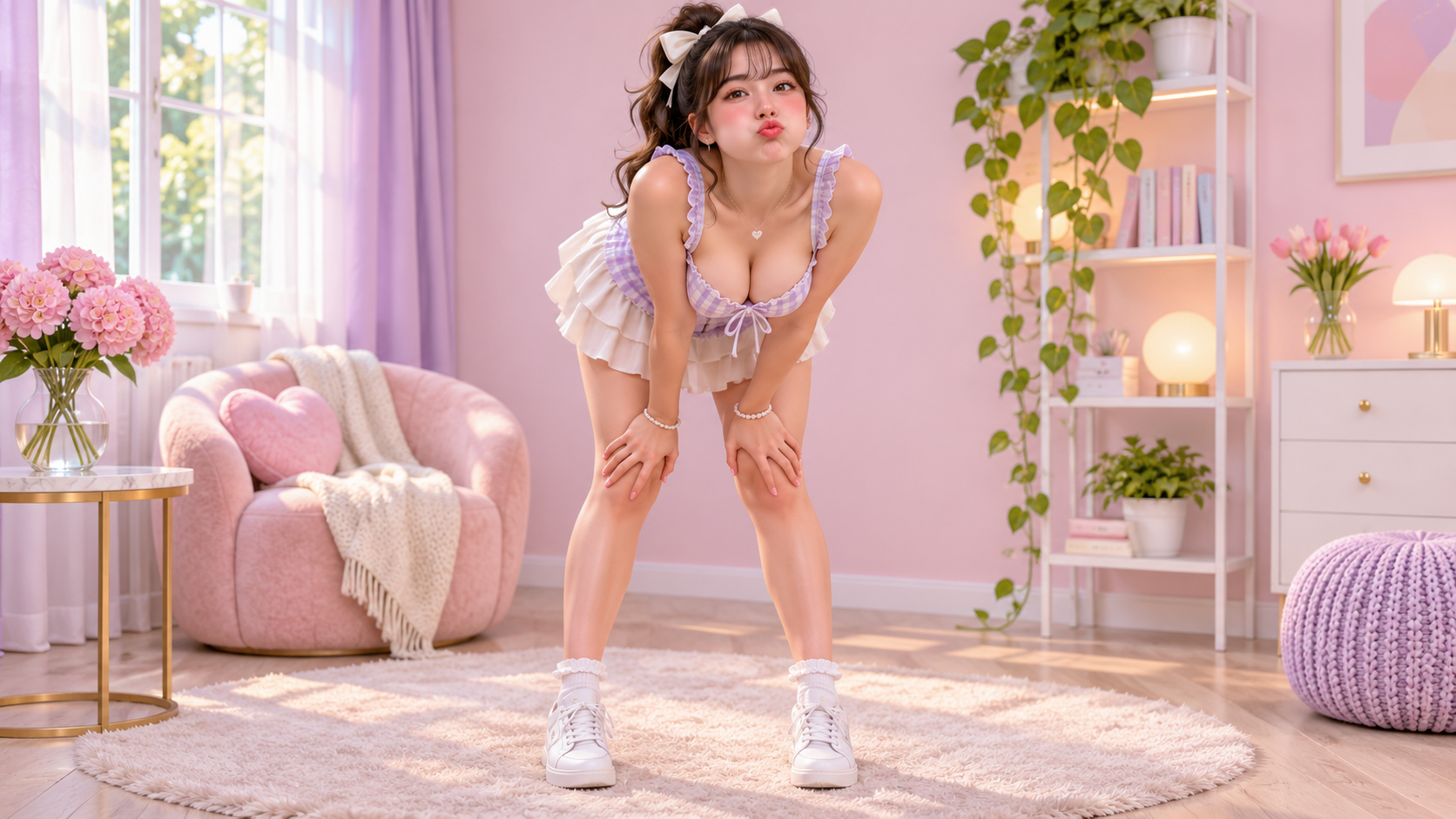
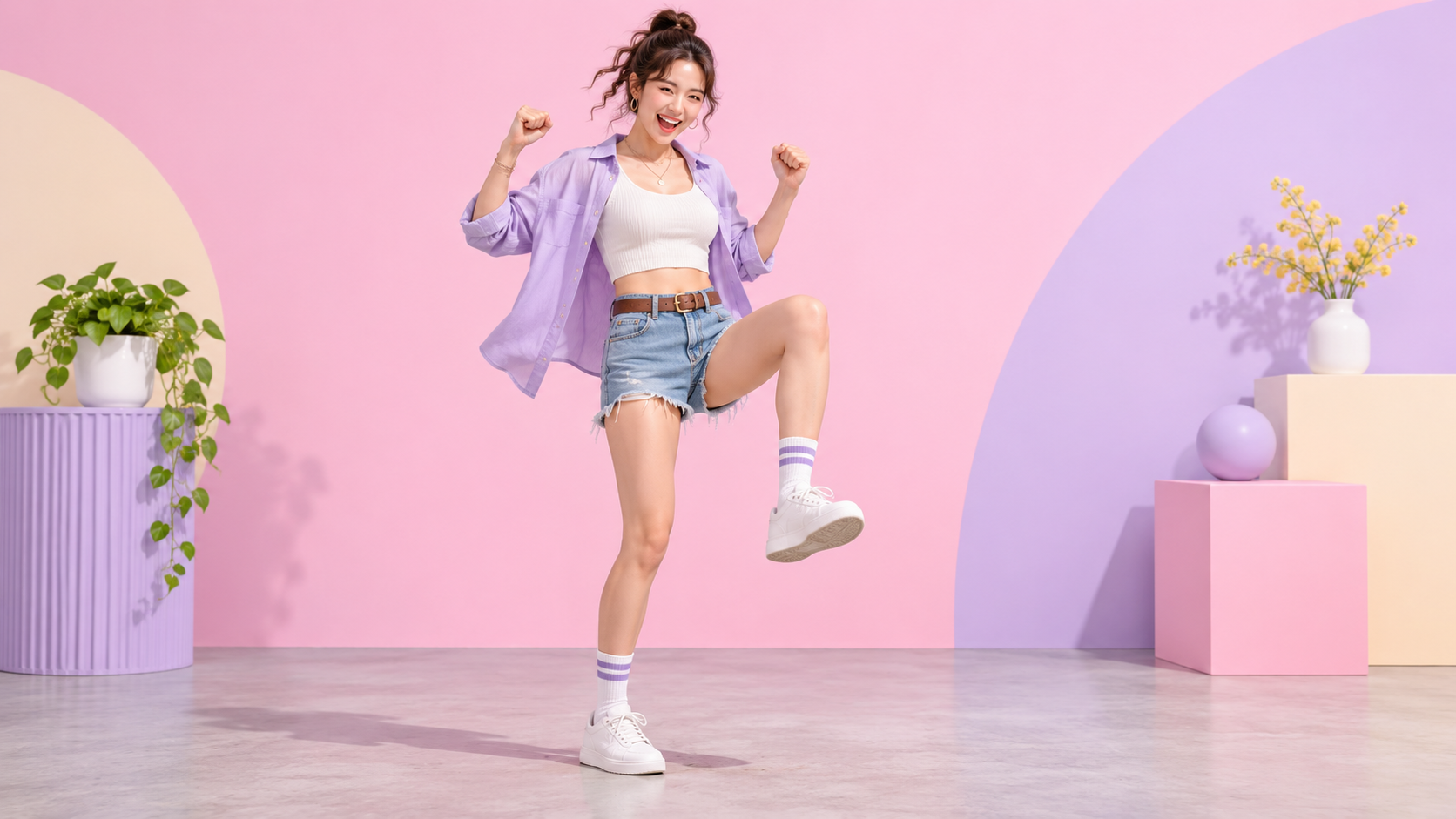
The Tsundere Hmph Stomp AI Dance is a 10-second, 16:9 clip with four clear beats: cheeks puff, eyes narrow into a mock glare, one foot lands a playful stomp, arms cross, and the chin lifts. Start with a sharp full-body shot — whole face, both feet, even light — and the generator keeps your hair, outfit, and shoes consistent. No prompt to write and nothing to edit afterward. Pick 480p, 720p, or 1080p, upload, and download the clip when it lands.
 1
 2
Three Steps to Your Own Pout-and-Stomp Clip
One full-body photo, one click, and ten seconds of attitude. The timing is built in.
- 1
Choose a Full-Body Photo
Pick a sharp shot with your whole face and both feet in frame. Feet flat, facing the camera, even light. That is all the routine needs.
- 2
Set Resolution and Generate
Sign in, choose 480p, 720p, or 1080p, then click Generate. The pout, stomp, crossed arms, and head turn are built in — no prompt to write.
- 3
Download and Share
Your 10-second 16:9 clip lands in minutes. Save it, send it, then come back with a friend's photo.
Photos That Make the Pout Land
- Stand head to shoes in frame with both feet flat on the floor, so the stomp hits real ground instead of a cropped ankle.
- Face the camera in even daylight or a bright room, eyes open and cheeks clear — the pout only reads as you when your whole face is lit and sharp.
- Leave a little air above your head and around your shoulders, and wear the outfit you actually want on camera; the framing keeps your hair, clothes, and shoes exactly as they are.
Photos That Break the Illusion
- Sunglasses, a mask, a hand over your cheek, or a heavy beauty filter. Cover the face and the hmph stops looking like you.
- A shot cropped at the knees, a sitting or lying-down pose, or someone half behind you — the stomp needs both feet and a clear body.
- Blurry screenshots, far-away group shots, or a dim photo with half your face in shadow. Those are the uploads that come back with drifting features and melted feet.
Four Beats, One Tsundere Hmph Stomp AI Dance
A ten-second routine with four clear moments. Here is what each one should look like when the clip is yours.
The Glare That Gives You Away
The smile flattens, cheeks puff, and your chin tips into a mock glare. Soft, even light and a chest-height camera keep your face, hair, and freckles recognizably yours — no stranger's features sliding in.
One Stomp, Right on the Beat
Your knee lifts and your shoe comes down once, clean and deliberate. The timing is already set, so the stomp lands before you can second-guess it — and your own jeans, sneakers, and floor stay in frame.
The Hmph That Holds
Arms fold, your head turns away, and the pout stays put through the final beat. The routine is built around your photo, so your jaw, neck, and expression do not drift halfway through the clip.
Ten Seconds That Fit Everywhere
The clip comes back at ten seconds in 16:9, ready for a feed post, a group chat, or a YouTube cut. Short enough to replay, long enough for the hmph to land. Save it and send it.
Who You Are Sending Your Stomp To
The friend who sends you every trend
She has tagged you in the same clip all week. Upload the full-body photo of her mid-eye-roll and send back her own pout and stomp.
Your partner, losing an argument about dishes
Upload the photo where they are already pretending to be furious and hand them a pout-and-stomp of their own — crossed arms and one proud little hmph.
Your cat, with main-character energy
Use the full-body shot where all four paws touch the floor. Your cat huffs, lifts a paw, stomps once, and stalks off over the shoulder.
Your own feed, finally
Upload the photo where you actually like your outfit, then post the version with your face, your hair, and your shoes in it.
Four Ways to Make Your Hmph Hit Harder
Prefer to direct it yourself? These four prompts are for AI Video Maker, where you can change the room, outfit, or pet. The one-click generator above already has the routine built in.
Four Ways to Make Your Hmph Hit Harder
Prefer to direct it yourself? These four prompts are for AI Video Maker, where you can change the room, outfit, or pet. The one-click generator above already has the routine built in.
The Full Pout-and-Stomp
10-second 16:9 Tsundere Hmph Stomp AI Dance clip using @Image1 as the exact appearance reference, keeping the person's face, hair, skin tone, outfit, and shoes. In a clean, softly lit room, the person puffs their cheeks into a pout, looks sideways at the camera, lifts one knee and lands a playful stomp, then crosses their arms and turns their chin up in a proud hmph. Steady camera, natural motion, no text or watermark.
The safest pick if you want the routine exactly as it trends. Copy it into AI Video Maker and add your photo.
The Pout Before the Stomp
10-second 16:9 Tsundere Hmph Stomp AI Dance clip using @Image1 as the exact appearance reference. Start in a tight chest-up shot: cheeks puff out, eyes narrow into a mock glare, the chin dips, then the person turns their face away with a satisfied hmph before stepping back into a full-body stomp. Soft daylight, realistic skin and hair, steady camera, no text or watermark.
Best when your photo already has a big, expressive face — copy it into AI Video Maker to open on the glare before the footwork.
A Pet-Sized Hmph
10-second 16:9 Tsundere Hmph Stomp AI Dance clip using @Image1 as the exact appearance reference. Keep the pet's real fur, markings, and face. The pet sits, turns its head away with a dramatic huff, lifts one paw and stomps it once, then looks back over its shoulder with a proud little glare. Cozy living-room light, stable camera, no text or watermark.
Funniest on a full-body photo where all four paws are visible — copy it into AI Video Maker and let your cat steal the trend.
The 2 A.M. Hmph
10-second 16:9 Tsundere Hmph Stomp AI Dance clip using @Image1 as the exact appearance reference. A dim bedroom lit by one warm lamp, oversized hoodie, hair loose. The person puffs their cheeks, glares sideways, stomps one foot on the rug, folds their arms, and turns their chin up with a sleepy, satisfied hmph. Soft shadows, handheld feel, natural motion, no text or watermark.
For a dim bedroom and a favorite hoodie — copy it into AI Video Maker and let the low light make the glare hit harder.
What Your Stomp Clip Costs
See the exact credit count for your Tsundere Hmph Stomp AI Dance before you generate — no subscription, no surprise at the end. Pick your resolution, then upload the shot where your glare is already halfway out.
Your Pout-and-Stomp Clip vs. Filming It Yourself
| The Route | What You Need | What You Get | Time |
|---|---|---|---|
| Your Tsundere Hmph Stomp AI Dance | One clear full-body photo, head to shoes, face straight at the camera | Ten seconds of you puffing your cheeks, landing one stubborn stomp, folding your arms, and turning away with a proud hmph | A few minutes |
| Filming it in your bedroom | A tripod, even light, a clean floor, and someone willing to film a few takes | A real performance you control, if you have the setup and the patience for retakes | An afternoon, give or take |
| A general AI video tool | A detailed prompt, a motion reference, and trial and error to describe the timing | More setup and a less predictable take; you tune the prompt until the routine reads | Depends on the tool and retries |
Tsundere Hmph Stomp AI Dance Questions, Answered
Make My Stomp VideoWhat exactly is the Tsundere Hmph Stomp AI Dance?
A short performance clip built around mock annoyance that turns cute: cheeks puff into a pout, one foot stomps, the arms cross, and the chin lifts into a satisfied hmph before the head turns away. The template times those beats for you, so one full-body photo is enough.
Which photo should I upload?
One sharp full-body shot, head to shoes, facing the camera in even light. Your face carries the pout, your feet carry the stomp, and your crossed arms need both sleeves in frame. Skip sunglasses, masks, heavy filters, knee crops, sitting poses, blurry screenshots, and group shots with extra people.
Will the video still look like me?
Yes, as long as your face is clear and evenly lit. Your hair keeps its part, your skin tone stays put, and the outfit and shoes from the photo are the ones that stomp across the frame. Choose the sharpest shot where you look straight at the lens.
Do I need to learn the dance or write a prompt?
No. The pout, stomp, arm cross, and proud head turn are built in and timed in the right order. You bring one photo and pick 480p, 720p, or 1080p. Nothing to memorize, nothing to type.
How long is the clip, and what shape is it?
Ten seconds, 16:9 widescreen, edge to edge with no black bars. Long enough for the glare, stomp, and hmph to land, and framed for a feed post, a YouTube cut, or a group chat.
What does it cost, and what if a render fails?
The exact credit count for 480p, 720p, or 1080p is shown before you generate, with no subscription and no surprise charge. If a render fails, those credits return to your balance automatically.
The Pout Is Waiting for Your Photo
One full-body shot is all it takes. Upload it, and ten seconds of your own glare, stomp, and crossed arms lands in minutes.
Make My Stomp VideoMore AI Video Effects
Neon Duo Dance AI
Turn two photos into a neon-lit 15s synchronized dance video.
Zombie Couple Video AI
Transform couple portraits into a cinematic zombie duet clip.
Flying Car AI
Launch any street photo into a high-speed flying car scene.

Costume Transformation AI
Morph everyday outfits into dramatic themed costumes smoothly.