Battle at Gwanghwamun Gate
Cinematic
Pick a scenario, upload a photo, post your cinematic clip.
Pick a scenario, upload a photo, and generate a cinematic clip — zero prompt editing required.
Tap a preset below or choose one from the gallery.
Battle at Gwanghwamun Gate
Cinematic
Switch models to balance speed, quality, and credits.
Your Genematic videos will appear here
Pick a scenario, upload a photo, then generate.
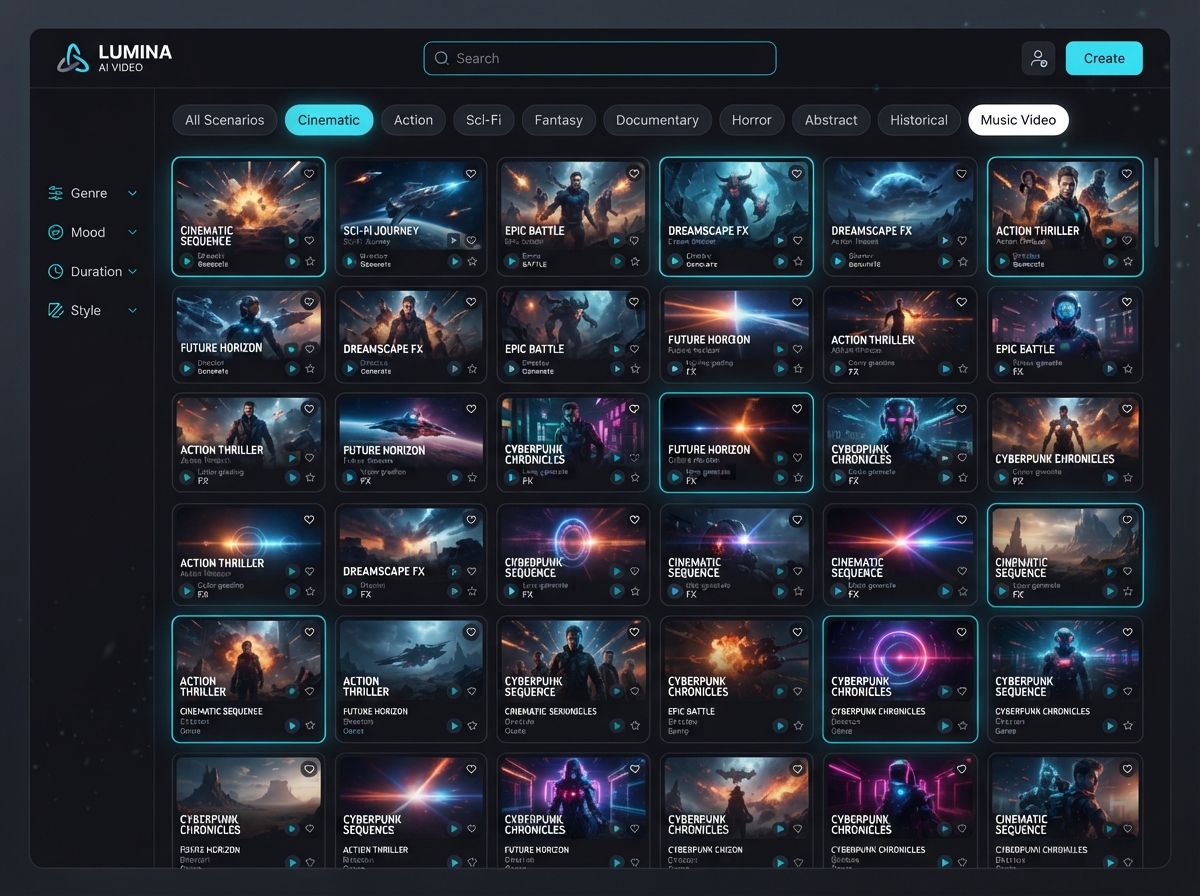
153 presets — each with scenario name, category, preview, and ready-to-run pipeline.
Cinematic
Cinematic
Cinematic
Cinematic
Cinematic
Cinematic
Cinematic
Cinematic
Cinematic
Cinematic
Cinematic
Cinematic
What is Genematic AI
Genematic AI turns a single photo into a short cinematic clip built for TikTok, Instagram Reels, and YouTube Shorts. Pick a ready-made scenario — White Chick, Empire Flag, Anime Transformation, FIFA stadium frames, UGC product shots, and more — upload your image, and the full pipeline runs under the hood.
The core loop is three steps: Pick Scenario → Upload Photo → Get Video. Behind the scenes, Genematic routes jobs across Kling, Veo, Sora, Seedance, and other models so you never touch prompts or technical settings. New scenarios drop weekly across Cinematic, Effects, Commercial, Photoshoot, and World Cup categories.
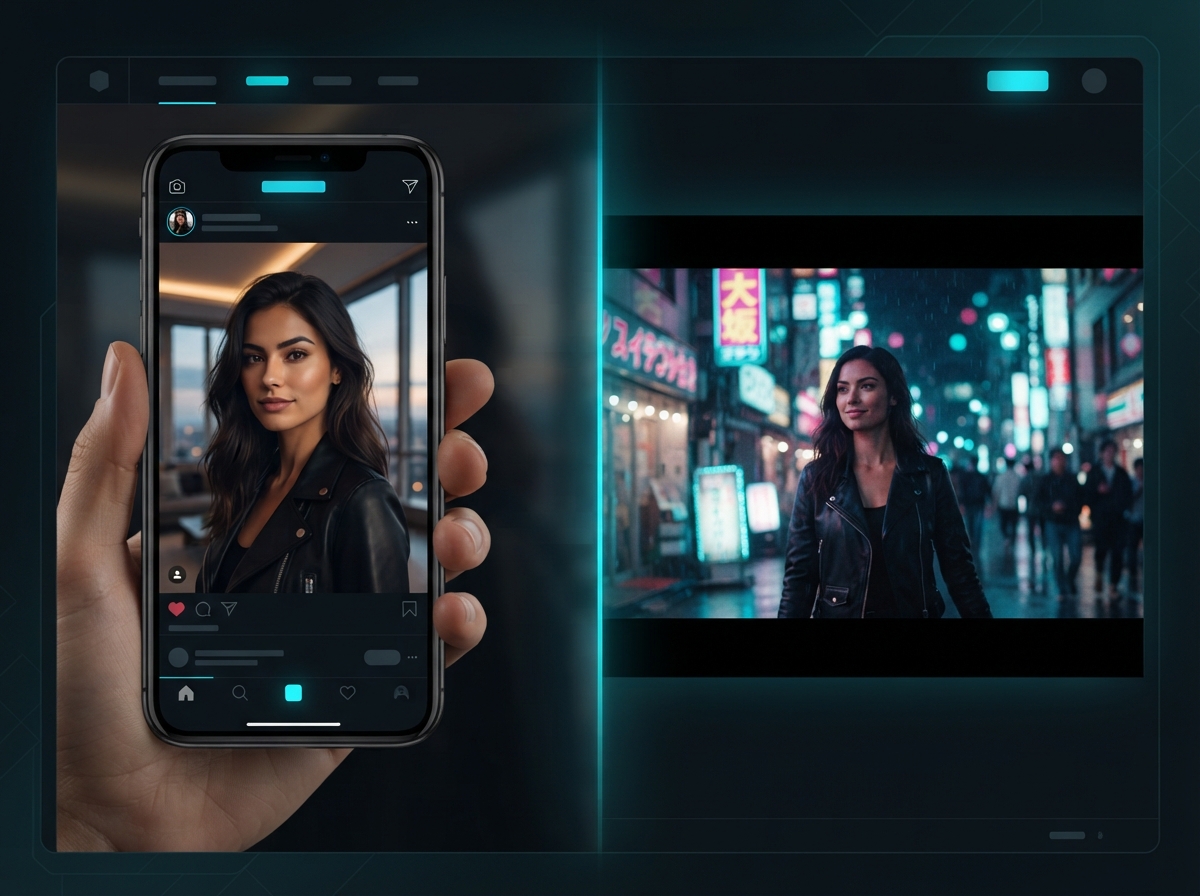
Scenario first, photo second, cinematic clip third — zero prompt writing.
Clear, well-lit photos work best. Portraits, products, and landscapes all fit — the scenario handles the cinematic direction.
Step 1
Browse 153 presets across Cinematic, Effects, FIFA World Cup 2026, Photoshoot, Commercial, Tools, Transitions, and Real Estate. Each card is a finished creative direction — trending picks like Your next opponent is YOU, Claymation, and Viral Selfie Madness included.
Step 2
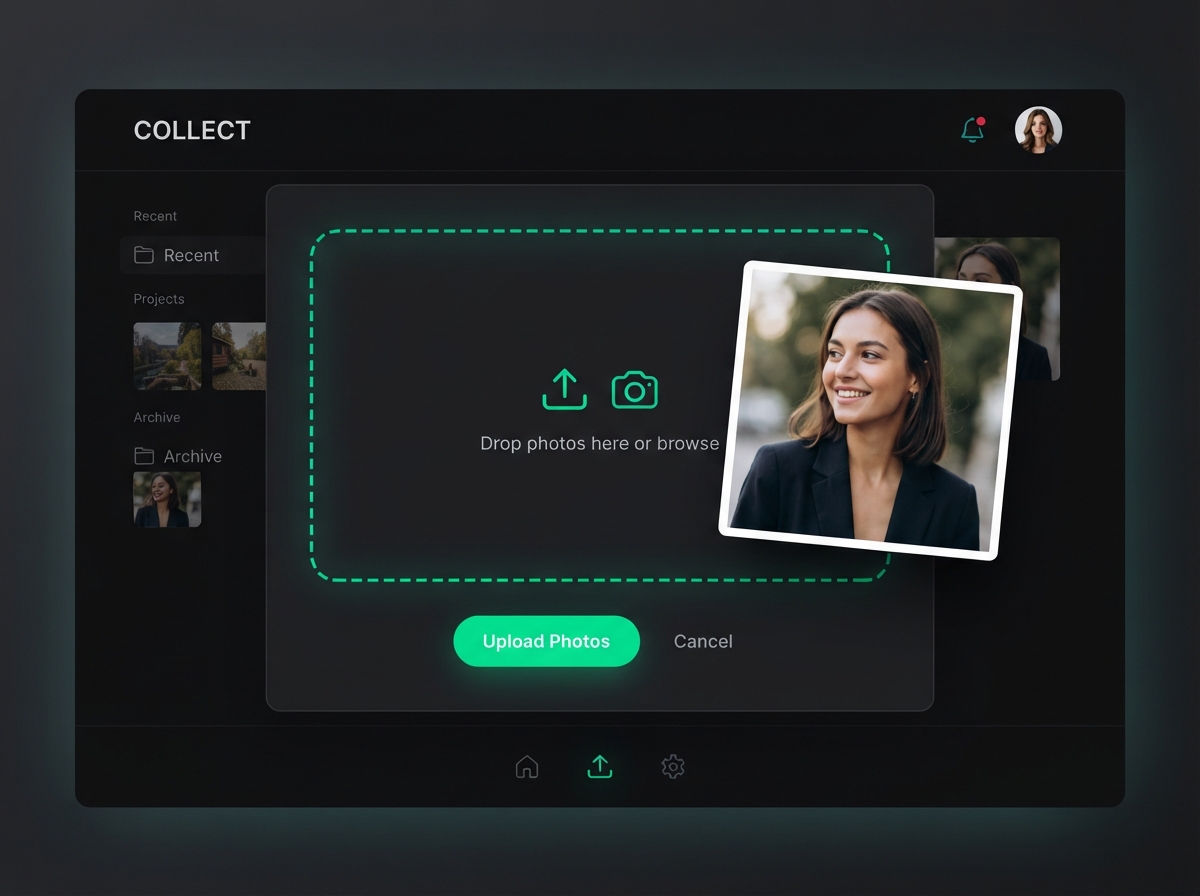
Drop any photo — portrait, product, or landscape. Any subject, any angle. Genematic composites your image into the scenario pipeline without manual masking or prompt tuning.
Step 3
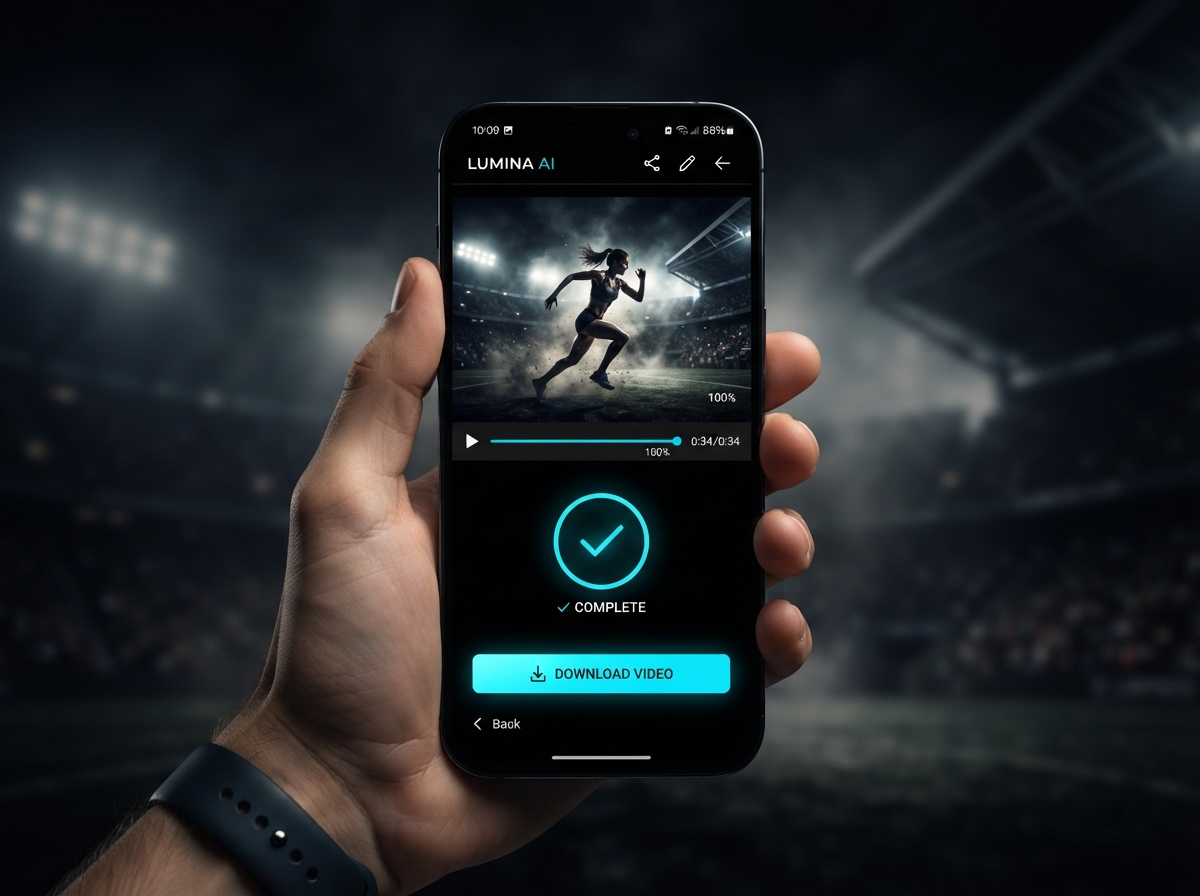
AI renders your cinematic clip in about 5–8 minutes. Download the result and post directly to TikTok, Reels, or Shorts — vertical formats supported out of the box.
Step 4
Build custom scenario pipelines on higher tiers, top up tokens when you need more runway, or explore Marketing Studio workflows for brand and UGC content at scale.
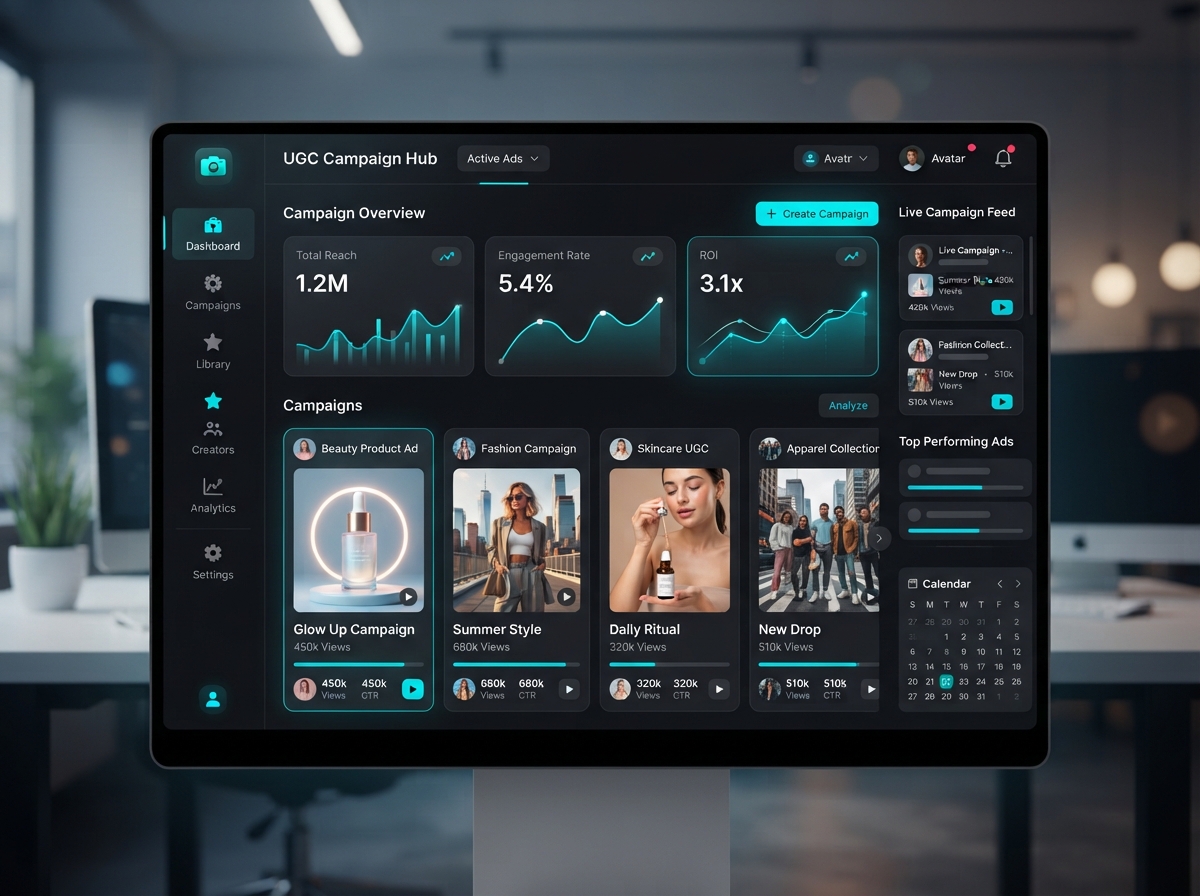
Preset scenarios, zero-prompt video, multi-model routing, and social-ready output.
Scenario library, photo-to-video workflow, token pricing, weekly drops, and TikTok/Reels/Shorts formatting are the product pillars — built for creators who want cinematic clips without prompt engineering.
01
Cinematic, Effects, FIFA World Cup 2026, Photoshoot, Commercial, Tools, Transitions, and Real Estate — hand-crafted scenarios with new community and team drops every week.
02
Pick a scenario and upload a photo. Genematic handles model selection, motion direction, and rendering — no prompt boxes, no technical sliders on the default path.
03
Jobs route across Kling, Veo, Sora, Seedance, and more depending on the scenario. You get the right model for the effect without managing APIs yourself.
04
Output is built for short-form vertical video. Download and post — no re-framing or aspect-ratio guesswork after generation.
05
Monthly plans refresh tokens each cycle. Start with a $1 trial, scale through Starter, Creator, Pro, and Studio tiers, and top up with one-time packs that never expire.
06
Go beyond presets with custom scenario pipelines and Marketing Studio workflows for UGC, product, and brand content at volume.
Scenario videos are the default; custom pipelines and marketing workflows extend the same photo upload path.
The main product: pick a catalog scenario, upload a photo, get a finished cinematic video. This is what most creators mean when they search for Genematic after seeing trending clips on TikTok or X.
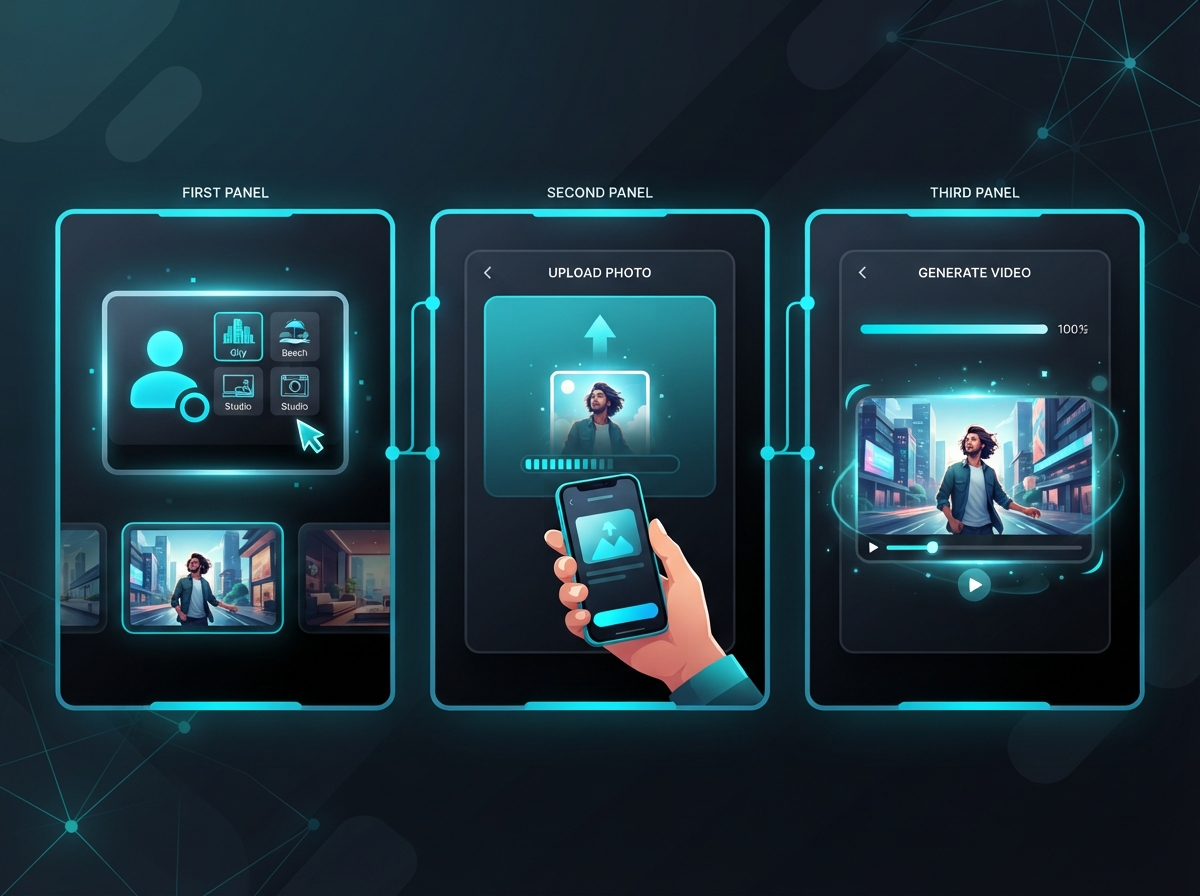
Build custom scenario pipelines when a preset is close but not exact. Chain models, transitions, and effects for repeatable creative workflows on paid tiers.
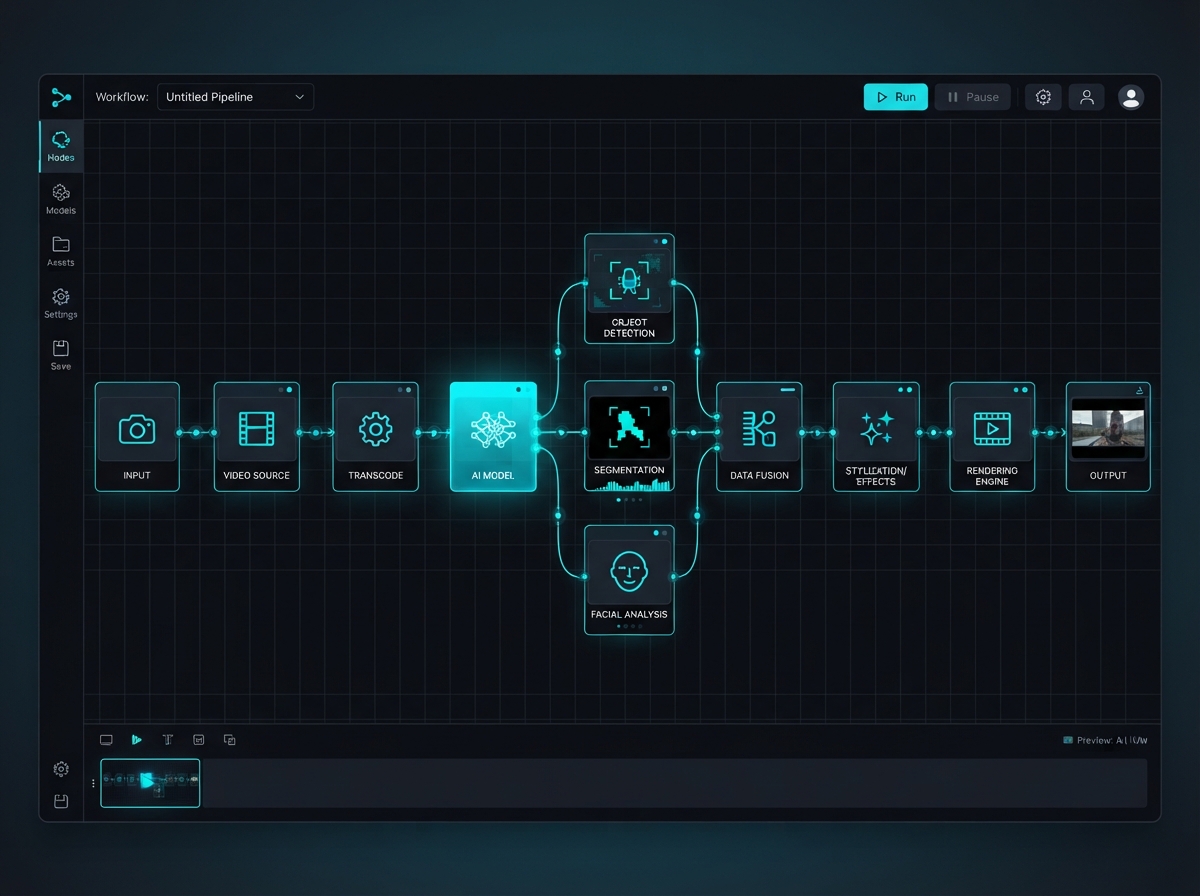
Commercial, Photoshoot, and Marketing scenarios cover UGC showcases, beauty campaigns, product explosions, and fashion editorials — built for brands and agencies posting daily.
Short-form creators, brands, and agencies chasing cinematic clips without a production crew.
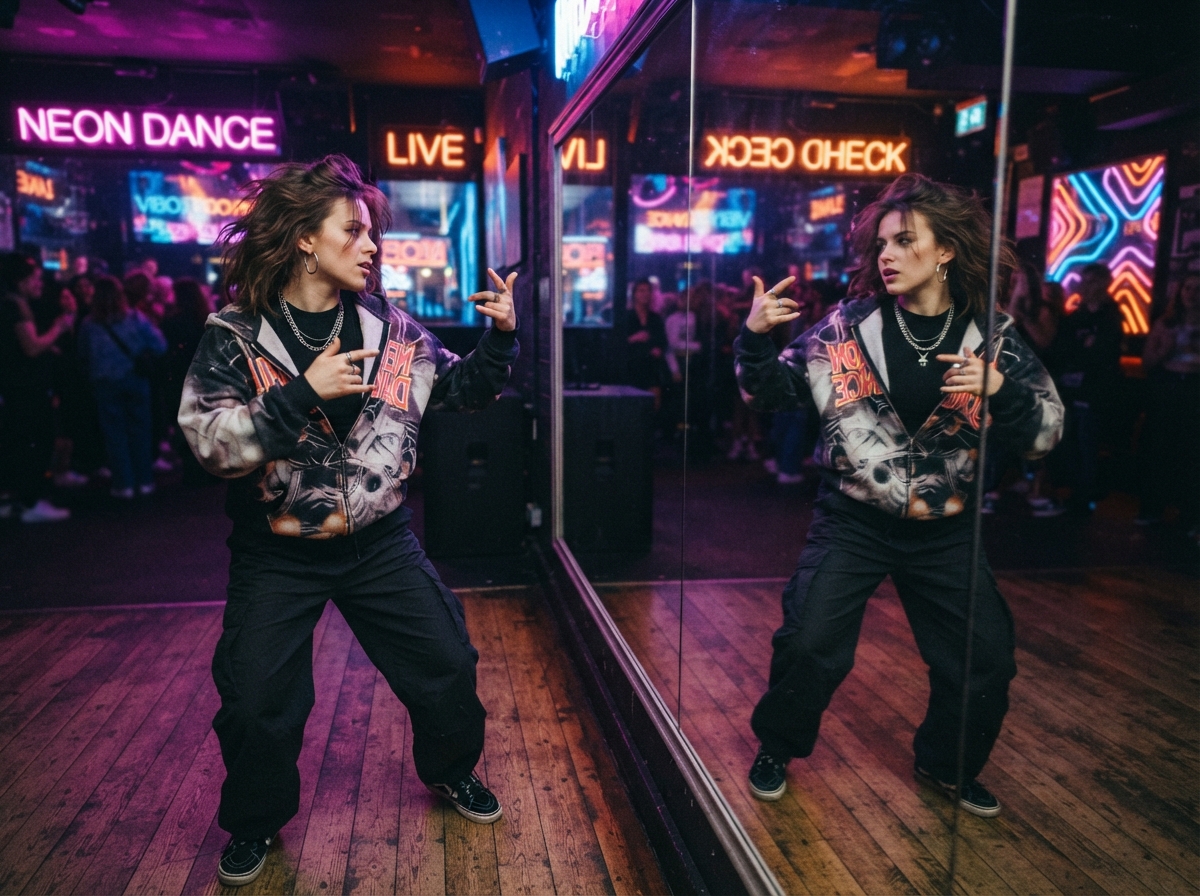
White Chick, Empire Flag, Anime Transformation, and opponent-mirror cinematics — the effects trending on TikTok map directly to Genematic scenario cards.

Photoshoot and Cinematic scenarios deliver editorial motion for Reels — birthday glam, Coachella frames, and luxury portrait animations without a shoot crew.

FIFA World Cup 2026 and sports broadcast scenarios turn one fan photo into stadium energy, FC player cards, and crowd-cam clips sized for Shorts.
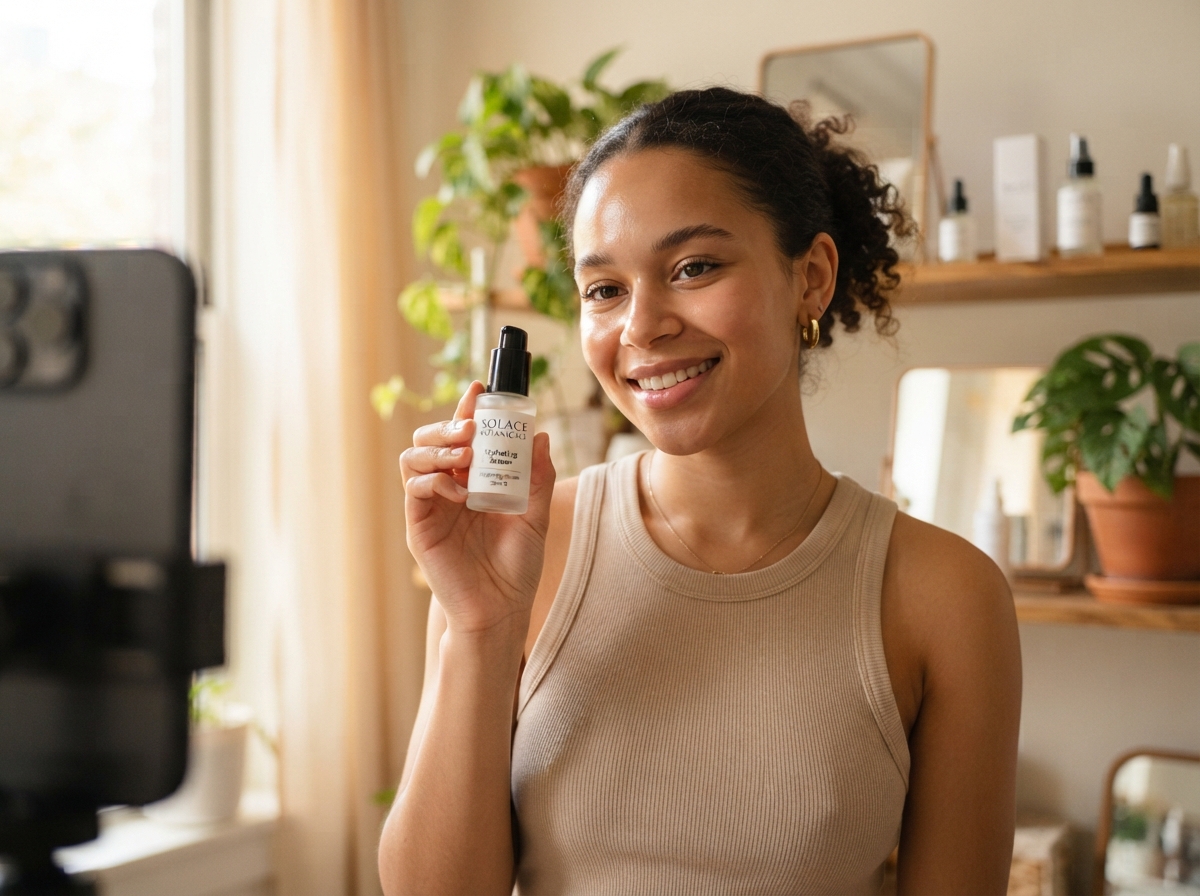
Commercial scenarios cover unboxing, beauty UGC, product spotlights, and fashion campaigns — the daily ad formats small brands need without agency retainers.
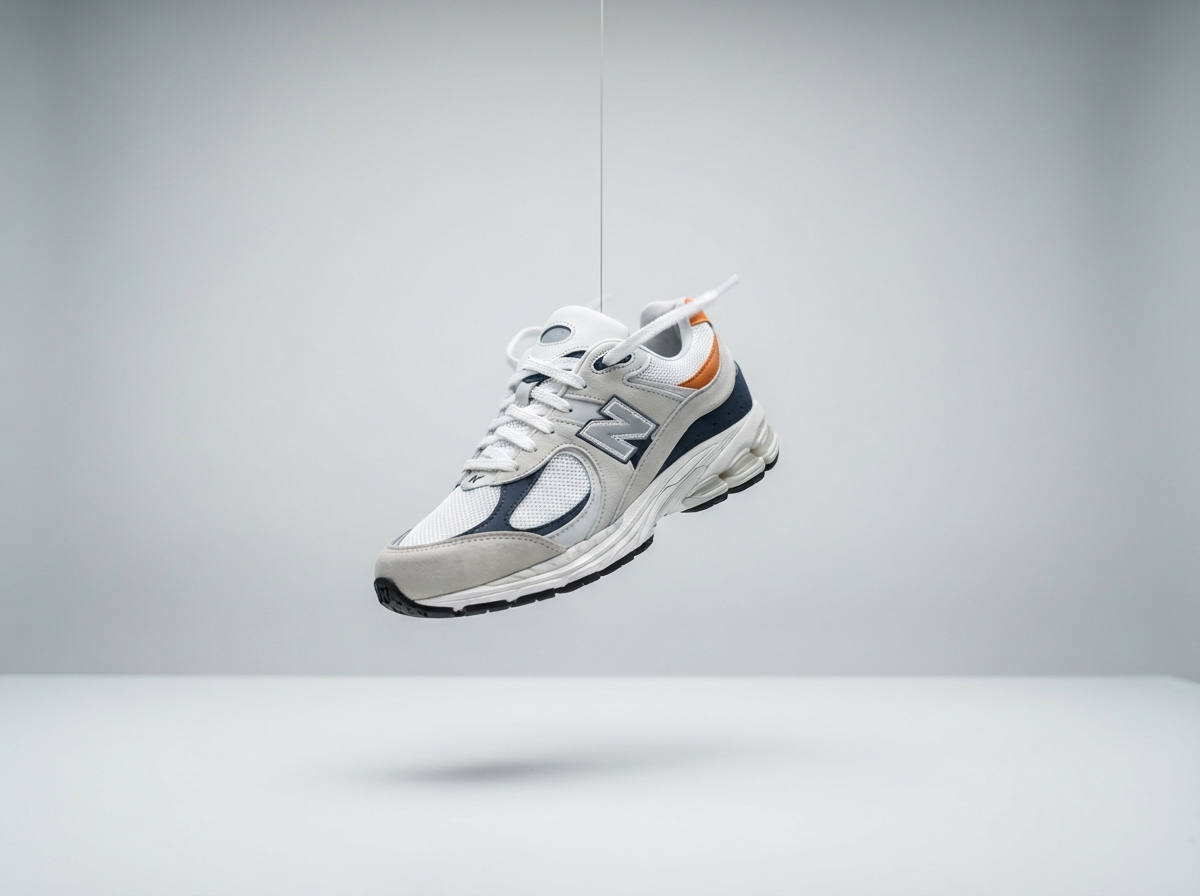
360 clothing spins, floating product shots, and ingredient reveals — e-commerce motion from a single product photo instead of a full video shoot.
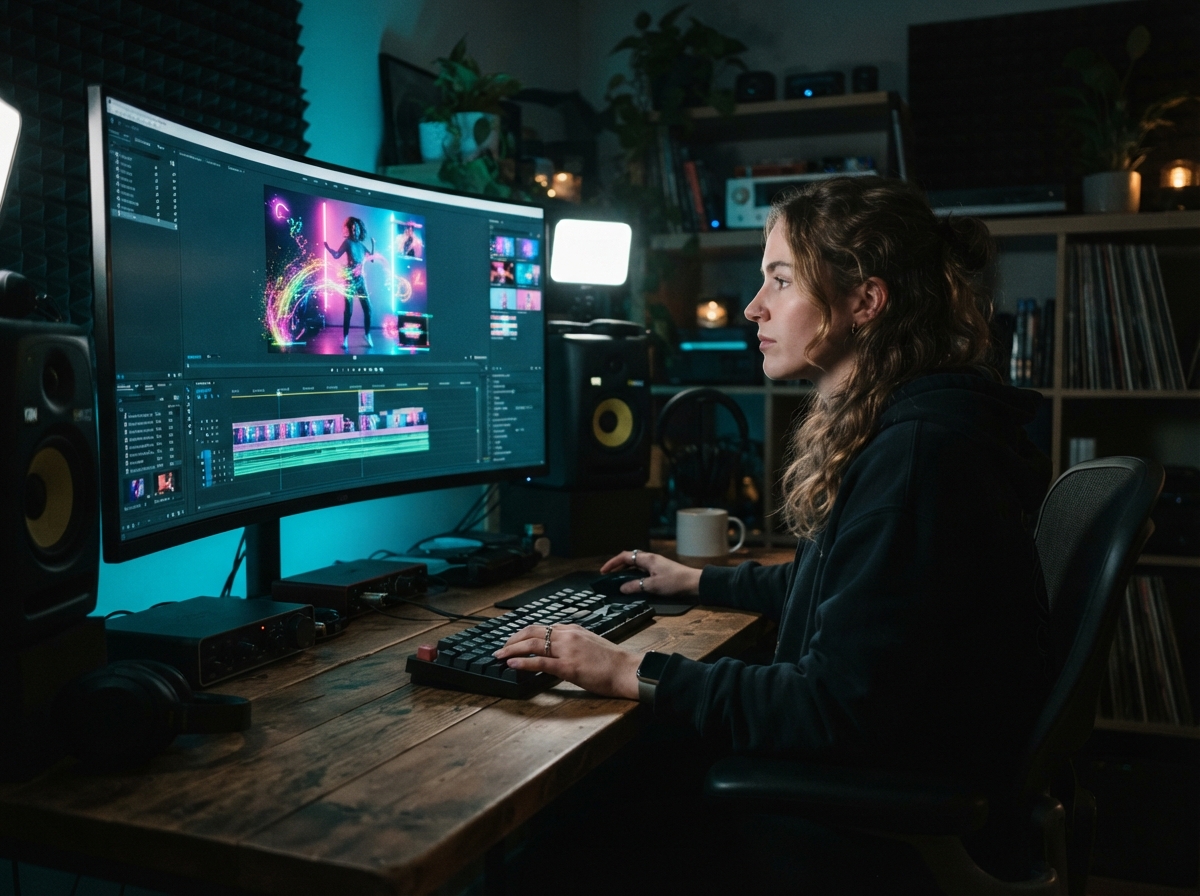
Effects like Claymation, PS2 Graphics, LEGO worlds, and Seamless Transitions give creators fresh visual hooks every week when presets rotate.
Straight answers about Genematic AI — what it is, how scenarios work, and how pricing fits creators.
Genematic AI is a photo-to-video tool. You pick a preset scenario, upload a photo, and get a cinematic short clip — supercar reveals, anime transforms, FIFA stadium frames, UGC product shots, and more. Tagline: one photo, cinematic AI video, zero prompts.
No on the default path. Scenarios ship with the full pipeline baked in — model routing, motion, and style. Custom pipelines on higher tiers add control, but the core loop is pick scenario, upload photo, generate.
Genematic routes jobs across Kling, Veo, Sora, Seedance, Gemini Omni, and other models depending on the scenario. Each scenario card shows the underlying model and token cost so you know what you are spending before you render.
Most cinematic clips render in about 5–8 minutes. Heavier Seedance 2.0 or multi-step scenarios can take longer. You only pay tokens for successful outputs — failed jobs do not consume your balance.
Start with a $1 trial (125 tokens, 7 days), then choose Starter ($12.99/mo), Creator ($29.99/mo), Pro ($99.99/mo), or Studio ($249.99/mo). Tokens refresh monthly; annual plans save 20%. Subscribers can buy one-time top-up packs that never expire.
Yes. Genematic runs in the web app and on iOS. Pick a scenario, upload from your camera roll, and download the clip when rendering finishes — the same flow as desktop.
You own the videos and photos you generate on Genematic AI for your content use. Keep generations private when you need to — scenario browsing is separate from what you choose to publish.
Yes on paid tiers. Custom pipelines let you chain models and effects beyond the preset grid. Community scenarios also appear alongside team-authored drops in the catalog.
Next step
Pick a scenario, upload a photo, and post to TikTok, Reels, or Shorts. Start with the $1 trial or jump straight into a monthly plan — tokens refresh every cycle.