Table of Contents


Most searches for Wan 2.7 are not asking for hype. They are asking for answers.
What changed from older Wan releases? Is there a real API? Can you use it in ComfyUI? Is it open source? And what is the fastest way to try it without building a workflow from scratch?
This guide answers those questions in one place. If you want a browser-first workflow, the fastest place to start is Wan 2.7.
What Is Wan 2.7?
Wan 2.7 matters because it pushes Wan beyond simple prompt-in, clip-out generation. The real upgrade is control.
Instead of relying on one-shot prompting, creators use Wan 2.7 for frame boundaries, structured reference input, editing, and more repeatable video workflows. That is why the search intent around Wan has expanded. People are no longer only asking "what can it generate?" They are asking "how can I actually use it in production?"
If someone asks what the main features of Wan AI are, the short answer is this: better shot control, stronger reference handling, more practical editing, and easier reuse of good outputs.
Start With the Right Wan 2.7 Guide
If you came here for one specific task, use the shortest path:
- Want pricing details? Wan 2.7 Pricing and Free Trial
- Need the main official-resource roundup? Wan 2.7 Official Website
- Need better prompts? Wan 2.7 Prompt Guide
- Need a dedicated 9-grid workflow? Wan 2.7 9-Grid Guide
- Need reusable prompt formats? Wan 2.7 Prompt Templates
- Need text-to-video steps? Wan 2.7 Text-to-Video Guide
- Need image-to-video steps? Wan 2.7 Image-to-Video Guide
- Need the developer setup path? Wan 2.7 Video API Guide
- Need local or ComfyUI clarity? Can You Run Wan 2.7 Locally? ComfyUI, Open-Source Status, and the Fastest Working Path
- Need reference-driven motion? Wan 2.7 Reference to Video
- Need editing help? Wan 2.7 Video Editing Guide
- Need image editing help? Wan 2.7 Image Edit Guide
- Need licensing guidance? Wan 2.7 Commercial Use License
- Need fixes for bad outputs? Wan 2.7 Troubleshooting
- Need to compare Wan generations? Wan 2.5 vs Wan 2.7
- Need to turn a good clip into better variants? Wan 2.7 Video Recreation Guide
Wan 2.6 vs Wan 2.7: What Actually Changed
Before diving into features, here is the practical jump from Wan 2.6 at a glance:
| Capability | Wan 2.6 | Wan 2.7 |
|---|---|---|
| Workflow style | Mostly prompt-led generation | More control-led generation |
| Frame control | Minimal | First-frame and last-frame workflows |
| Image input | Single-image style use cases | Structured multi-image workflows |
| Character consistency | Limited | Stronger reference-driven output |
| Editing | More rerolling | More instruction-based iteration |
| Reuse of strong outputs | Limited | Better recreation and variant workflows |
The short version: Wan 2.6 was about getting a clip. Wan 2.7 is about steering the clip.
Key Features of Wan 2.7
1. First-Frame and Last-Frame Video Generation
One of the biggest workflow upgrades is start-and-end control. Instead of letting the model invent where a shot resolves, you define the opening and closing frames and let Wan 2.7 handle the motion between them.

Why it matters:
- You control transitions instead of hoping for them
- Storyboards become more usable
- Motion direction gets easier to guide
- Iteration becomes less random
Tip: Use visually distinct start and end frames. The clearer the difference, the easier it is to generate intentional motion.
2. 9-Grid Image-to-Video
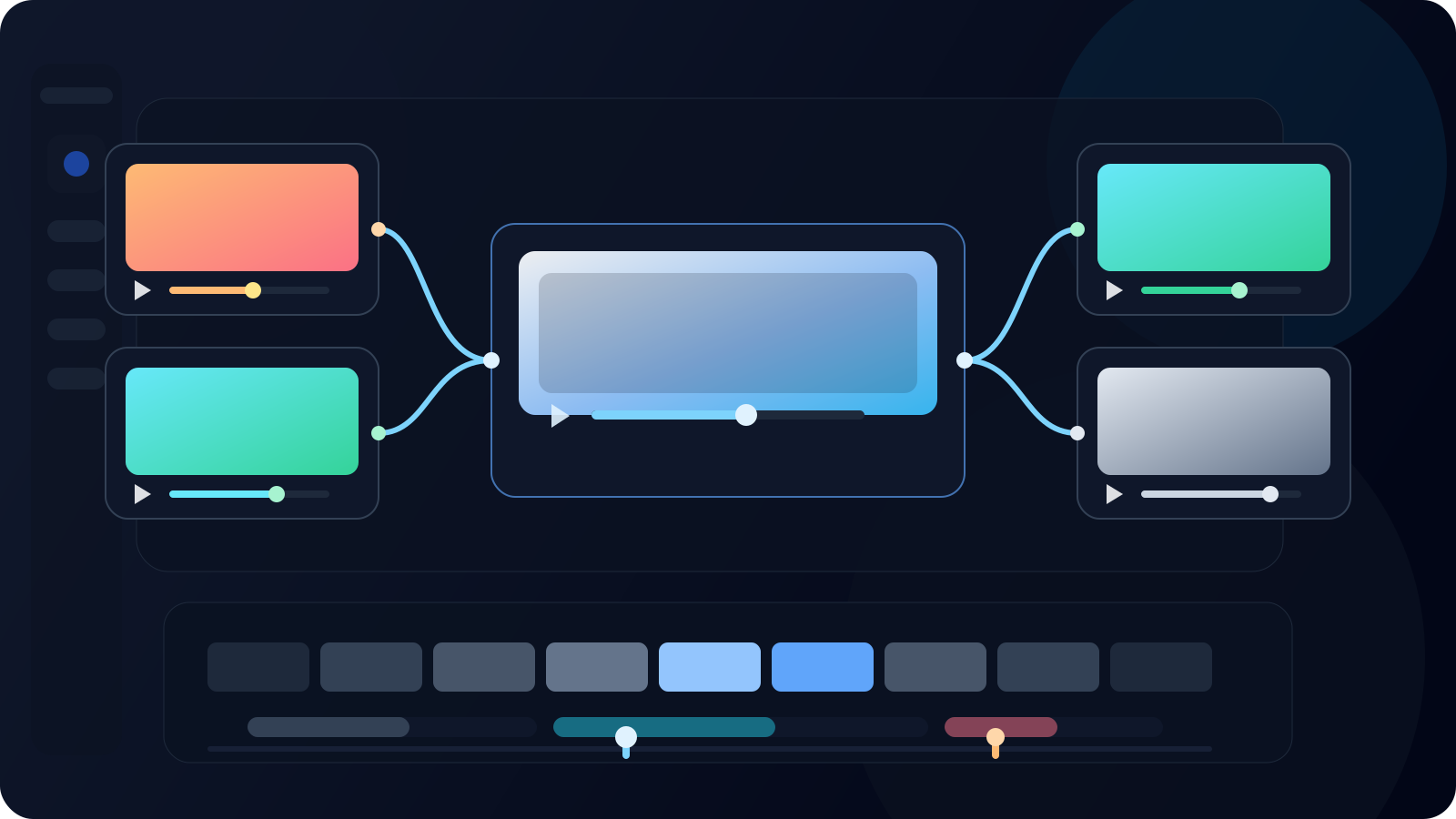
Wan 2.7 introduces a structured 3x3 image grid as input for video generation. Instead of feeding a single reference image, you provide a board of nine images that define scene composition, character angles, and visual context.

Best use cases:
- Storyboard-driven ideation and pre-visualization
- Product sequences and multi-panel concept development
- Multi-angle reference for stronger character consistency
- Converting mood boards directly into motion
This feature bridges the gap between static planning and animated output in a way earlier Wan workflows did not.
3. Subject + Voice Reference
Character drift has been one of the biggest pain points in AI video. Wan 2.7 tackles this with stronger reference conditioning so you can preserve appearance and performance direction more reliably across outputs.
Practical applications:
- Episodic creator content with recurring characters
- Talking-head videos that need stronger consistency
- Localized variants of the same performance
- Brand mascot or spokesperson videos across campaigns
4. Instruction-Based Video Editing
Instead of regenerating an entire clip when something is off, Wan 2.7 lets you edit with natural language instructions. Describe what you want changed, and the workflow becomes more iterative and less wasteful.
What you can edit:
- Motion and camera movement
- Framing and composition
- Style and color grading
- Emphasis and timing
- Background and environment
Example instructions:
- "Slow down the camera pan in the second half"
- "Change the background to a sunset beach"
- "Make the lighting more dramatic"
- "Add a zoom-in effect at the end"
5. Video Recreation and Replication
Take a working clip and rebuild it into new versions. Wan 2.7's recreation workflow helps preserve the original motion structure and pacing while letting you change subjects, styles, or context.
Use cases:
- Campaign versioning for different audiences
- A/B testing hooks and calls to action at scale
- Adapting content for different platforms and formats
- Localizing videos for different markets
- Creating variations without full reshoots
6. Better Production Fit
Wan 2.7 is useful because it behaves better inside real workflows:
- Clearer motion planning
- Stronger reference use
- Faster iteration on outputs that are close but not done
- More reuse across versions, campaigns, and localized variants
Is There a Wan 2.7 API?
Yes. Wan 2.7 is no longer just a browser search topic. It now sits inside real API and workflow conversations too.
If you need automation, batching, product integration, or backend generation jobs, API access is the right lane. That matters for teams building video features, not just creators clicking through a UI.
The practical split looks like this:
- Use a browser workflow when you want the fastest path from idea to output
- Use an API when you need automation, scale, or product integration
- Use both when you want to prototype prompts in a UI and operationalize them later
If your goal is a no-setup browser workflow, Wan 2.7 is still the simplest place to start.
Can You Use Wan 2.7 in ComfyUI or Locally?
Yes, Wan 2.7 is now part of ComfyUI conversations too. But two questions get mixed together here:
- Can you route Wan 2.7 workflows through node-based tooling?
- Can you run every Wan 2.7 workflow as an easy local install?
Those are not the same question.
ComfyUI support is about workflow flexibility. Local deployment is about model availability, hardware, setup complexity, and maintenance. If your real goal is fast output, a hosted workflow is usually the better first move. If your goal is deep pipeline control, ComfyUI becomes more interesting.
If that is your main question, read the dedicated guide: Can You Run Wan 2.7 Locally? ComfyUI, Open-Source Status, and the Fastest Working Path.
Is Wan 2.7 Open Source?
This is the most confusing Wan query because people use the same label for different things: model branches, hosted tools, UI wrappers, and feature bundles.
The safe answer is this: treat "Wan 2.7 open source" as a version-specific question, not a marketing label.
If you need a public repo and weight availability, verify the exact Wan release you want. If you just need usable generation today, hosted tools and APIs are the more reliable route.
That distinction matters because many users searching this phrase do not actually want source code. They want a practical way to create without guessing which release path is stable.
How to Use Wan 2.7 Effectively

Step 1: Pick the Right Inputs
Start by deciding what kind of control you need:
- Text prompt for scene and action
- First frame for how the shot opens
- Last frame for where the shot lands
- 9-grid image board for structured visual planning
- Subject reference for stronger identity consistency
- Existing clip if you want editing or recreation
You do not need every input for every task. The goal is to choose the smallest set that gives you the control you actually need.
Step 2: Generate, Then Narrow the Problem
Once your inputs are set, generate the first pass. If the result is close but not right, narrow the next change:
- Fix motion
- Fix camera
- Fix framing
- Fix style
- Fix timing
Small, targeted edits beat vague "make it better" requests.
Step 3: Reuse the Good Take
When a clip works, do not throw it away. Recreate, refine, or localize it into variants.
This is where Wan 2.7 becomes useful for real teams. Good outputs stop being single-use assets and start becoming reusable source material.
Best Use Cases for Wan 2.7
Storyboarding and Pre-Visualization
Use first-frame and last-frame control plus 9-grid input to previsualize how shots begin and resolve before full production.
Episodic Creator Content
Reference-driven workflows make recurring short-form content more practical. Keep the same subject direction across episodes without starting from zero each time.
Performance Marketing
Start from a strong concept, then generate versions for different hooks, offers, and calls to action. Better versioning without full reshoots.
Game Cinematics and Trailers
Turn multi-panel concept art into moving trailer drafts and cutscene concepts. Test mood, motion, and character presence earlier.
Post-Production and Localization
Editing and recreation workflows help teams revise motion, tone, or context while preserving the original idea.
Training and Explainers
Convert structured visual plans into short teaching clips and iterate without rebuilding the whole sequence every time.
Wan 2.7 Output Specifications
- Resolution: Up to 1080p depending on workflow
- Duration: Best suited to short clips and iterative scene building
- Input types: Text, images, reference frames, and existing clips
- Workflow strengths: Frame control, structured image planning, editing, and variant generation
Wan 2.7 Pricing and Free Trial
Cost depends on how you access Wan 2.7.
- Browser products usually price by credits or subscription
- APIs usually price by endpoint and output mode
- Free access changes faster than feature pages do
If you want the latest pricing breakdown, read Wan 2.7 Pricing and Free Trial. If you only want to validate the workflow first, start with the easiest browser experience before you commit to a bigger setup.
Where to Use Wan 2.7
For creators who want a clean, production-ready browser experience with Wan 2.7, the recommended platform is:
It gives you a faster start than stitching together docs, nodes, and third-party tools on day one. You can test prompts, references, and generation workflows in one place, then go deeper only when you actually need more complexity.
More Wan 2.7 Guides on This Site
- Wan 2.7 Official Website
- Wan 2.7 Release Date and Open-Source Status
- Wan 2.5 vs Wan 2.7: Which Workflow Should You Use?
- Wan 2.7 vs Wan 2.6: Every Upgrade That Matters
- Wan 2.7 Video Recreation Guide
- Wan 2.7 Prompt Guide
- Wan 2.7 Prompt Templates
- Wan 2.7 Text-to-Video Guide
- Wan 2.7 Image-to-Video Guide
- Wan 2.7 Reference to Video
- Wan 2.7 Commercial Use License
- Wan 2.7 Troubleshooting
- Is Wan 2.7 Censored?
- Tongyi Wanxiang Video Production Guidelines
Final Thoughts
Wan 2.7 is important because it makes AI video more usable, not just more impressive.
The real value is not another model number. It is better control, cleaner iteration, and more workable paths from concept to reusable output.
If you want the fastest way to start, use Wan 2.7. If you need a narrower answer, jump into one of the linked guides above and go straight to the workflow you care about.